ZEBSOFT SYSTEM DEMONSTRATION
Compliance Software Demonstration: See Zebsoft in Action
A Guided Walkthrough of the Connected Assurance Platform
Watch how Zebsoft brings documents, risks, audits, suppliers, people, assets, incidents, actions and reporting into one connected operating environment.
This approximately 22-minute compliance software demonstration uses real platform screens and a chapter guide, so you can move directly to the functions most relevant to your organisation.
WHAT THE WALKTHROUGH SHOWS
More Than a Tour of Separate Software Modules
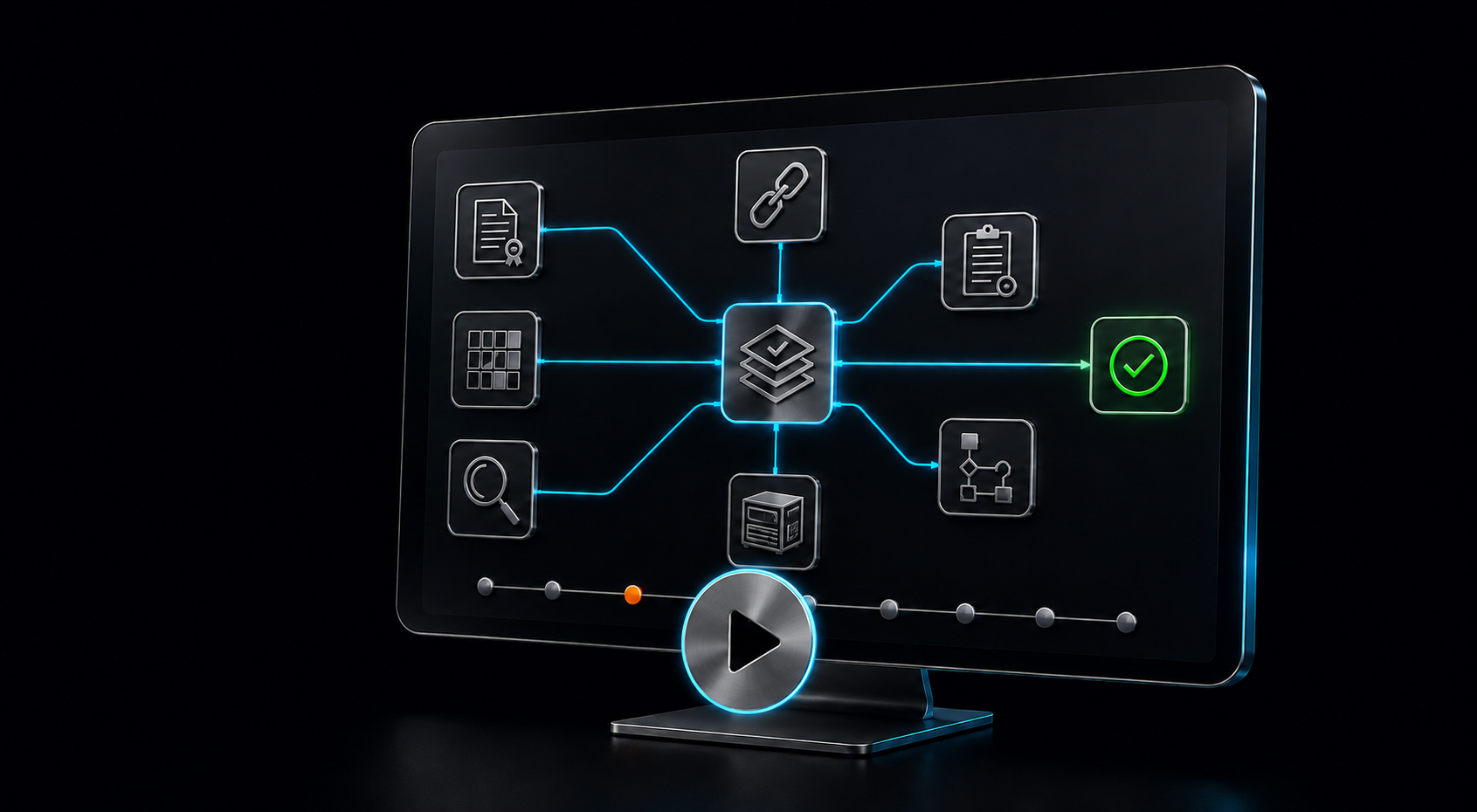
The demonstration explains how information moves through the system and how individual functions contribute to a connected assurance position.
WATCH THE CURRENT PLATFORM
Full-System Demonstration—Approximately 22 Minutes
This is a guided recording of the current production platform. It shows real navigation and representative system functions rather than a conceptual animation.
Use the chapter guide below to go directly to a subject. The demonstration explains the standard operating structure; your own terminology, roles, workflows, forms, dashboards and assurance routes would be configured around your organisation.
DEMONSTRATION CHAPTER GUIDE
Go Directly to the Functions You Want to See
Select the relevant time in the video controls or open the recording in Vimeo to navigate through the complete walkthrough.
THE CONNECTED SYSTEM VIEW
Follow the Relationship Between Requirement, Work and Evidence
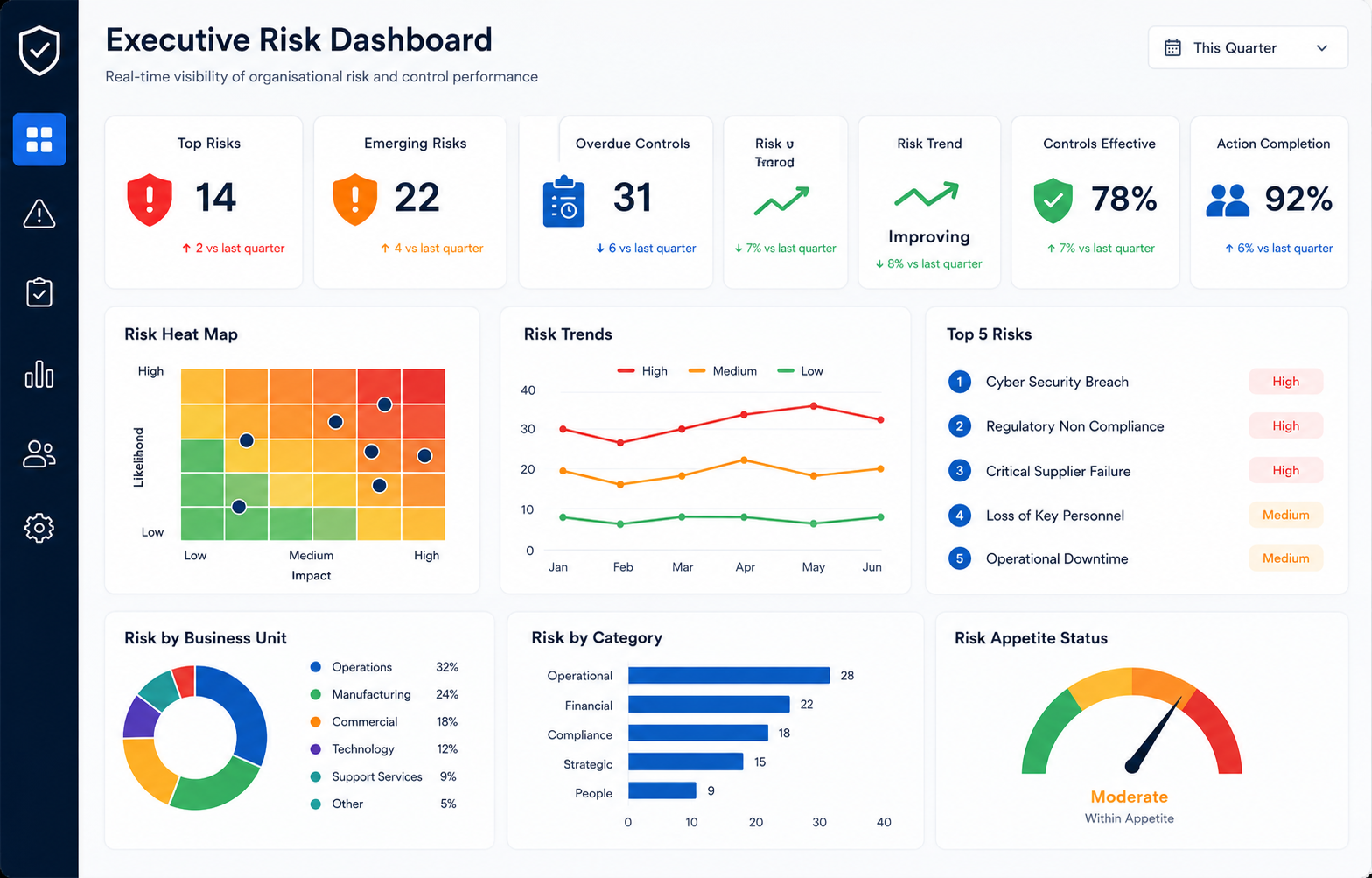
The value of the demonstration is not simply the number of functions shown. It is the way those functions share context. A risk may depend on an asset inspection, a competent employee, an approved supplier and a controlled document. An audit finding may create corrective work, require verification and inform management review.
Zebsoft keeps each underlying record within its proper operating context while making the relationship visible to authorised people. That reduces reconstruction and helps management understand what supports a reported position.
The walkthrough shows a standard platform structure. It does not prescribe your responsibilities, controls or decisions.
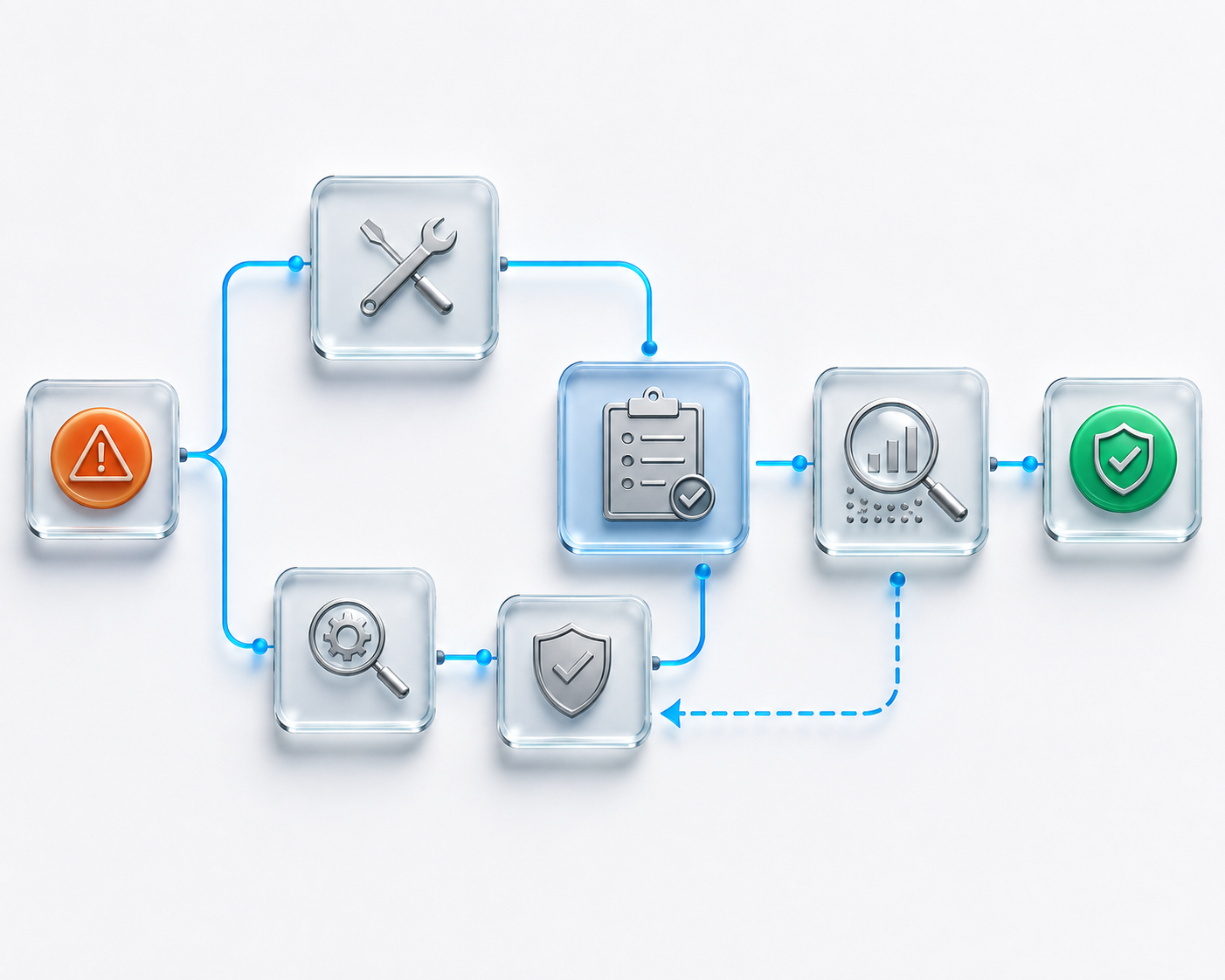
DEFINE. COMMUNICATE. OPERATE. ASSURE.
Watch Governance Move Into Everyday Operation
The demonstration follows Zebsoft’s operating method from approved intent to current assurance.
CHOOSE THE RIGHT LEVEL OF DETAIL
Use the Public Walkthrough First—Then Make the Next Demo Yours
The recording is designed for independent exploration. A tailored session is the route for testing your exact priorities and operating context.
PRACTICAL QUESTIONS
Zebsoft Compliance Software Demonstration FAQs
Use the public video for an initial system view and a tailored session for organisation-specific evaluation.
Is this a real Zebsoft system demonstration?
Yes. The recording uses current-version platform screens and follows representative functions and navigation within Zebsoft.
How long is the video?
The complete walkthrough is approximately 22 minutes. The chapter guide lets you move directly to individual subjects.
Which version does the recording show?
It shows the current production version. A separate Version 2 walkthrough is planned for publication after that release is available and verified.
Can I watch it full screen?
Yes. Use the controls in the embedded player or open the recording directly in Vimeo.
Does the video show every available function?
No. It provides a broad system view. Available functions, configuration and integrations depend on the agreed platform scope.
Can you demonstrate our specific workflow?
Yes. Book a tailored session and describe the process, problem and evidence you want to examine so Zebsoft can prepare the most relevant route.
Can several stakeholders use this before a meeting?
Yes. Sharing the public walkthrough gives stakeholders a common system overview and helps make a later discovery or demonstration session more focused.
Does a demonstration confirm final scope?
No. A demonstration supports evaluation. Formal requirements, migration, configuration, delivery responsibilities and commercial scope must still be agreed.