

DOCUMENT CONTROL AND REVISION MANAGEMENT
Document Control Software with Full Revision History
Manage policies, SOPs and work instructions.
Track changes, record approvals and see who has confirmed reading them.
Zebsoft document control software brings policies, standard operating procedures (SOPs) and work instructions into one searchable register, with visible versions, approval status, effective dates and review dates. Your team can find the information they need while managers retain evidence of how it was changed, reviewed and approved.
TRACKED AMENDMENTS
Review Changes Before They Become the Next Version
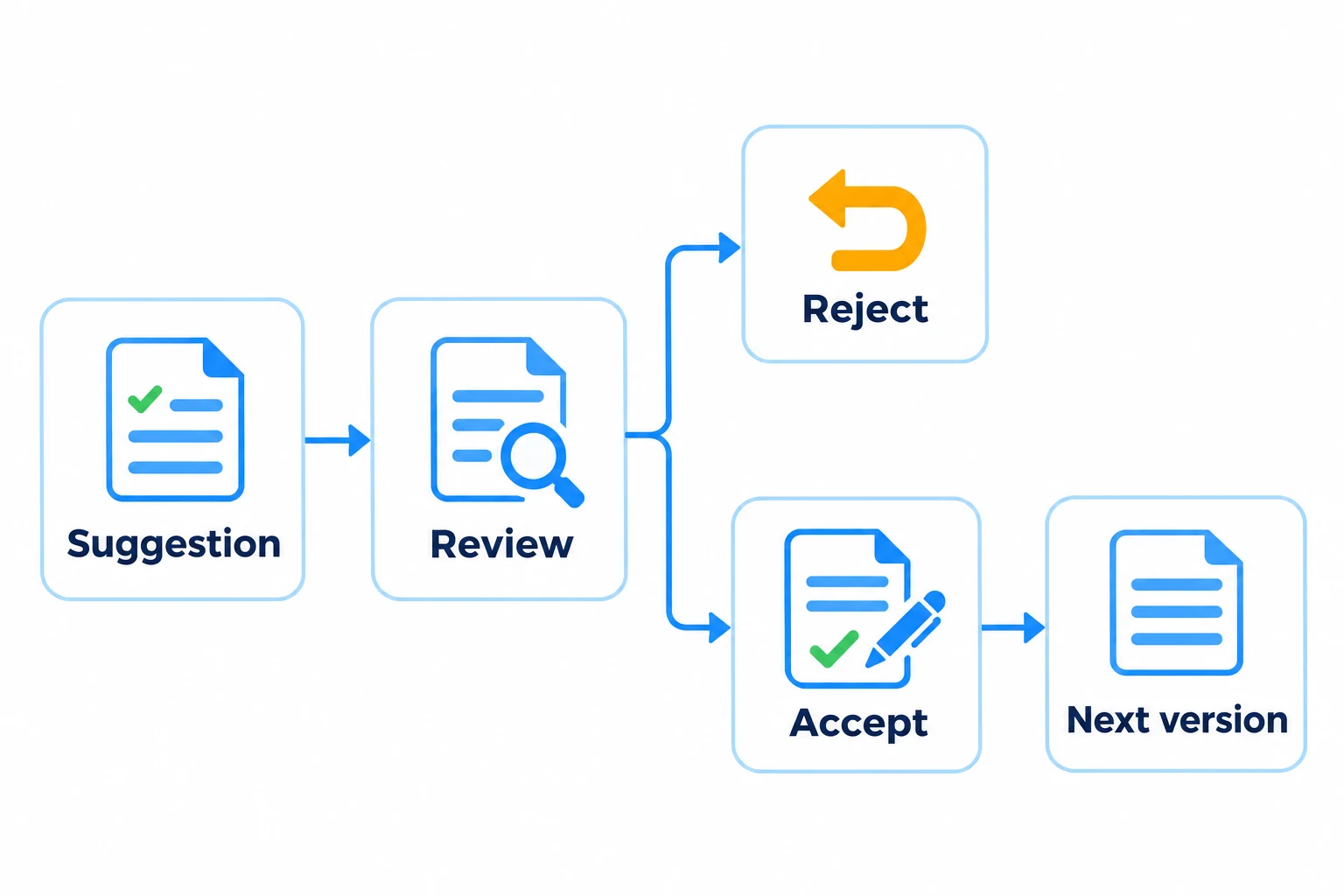
For documents authored in Zebsoft, amendments can be submitted as tracked suggestions against the existing content.
Reviewers can examine the original text, the marked-up changes and the proposed final wording. Each suggestion can be discussed, accepted or rejected before accepted changes are applied to a new document version.
This keeps the proposed change and its decision together, reducing the need to reconstruct a review from separate emails and attachments.
See how an FDA-licensed manufacturer uses Zebsoft for document control and SOPs.
TRACEABLE DOCUMENT HISTORY
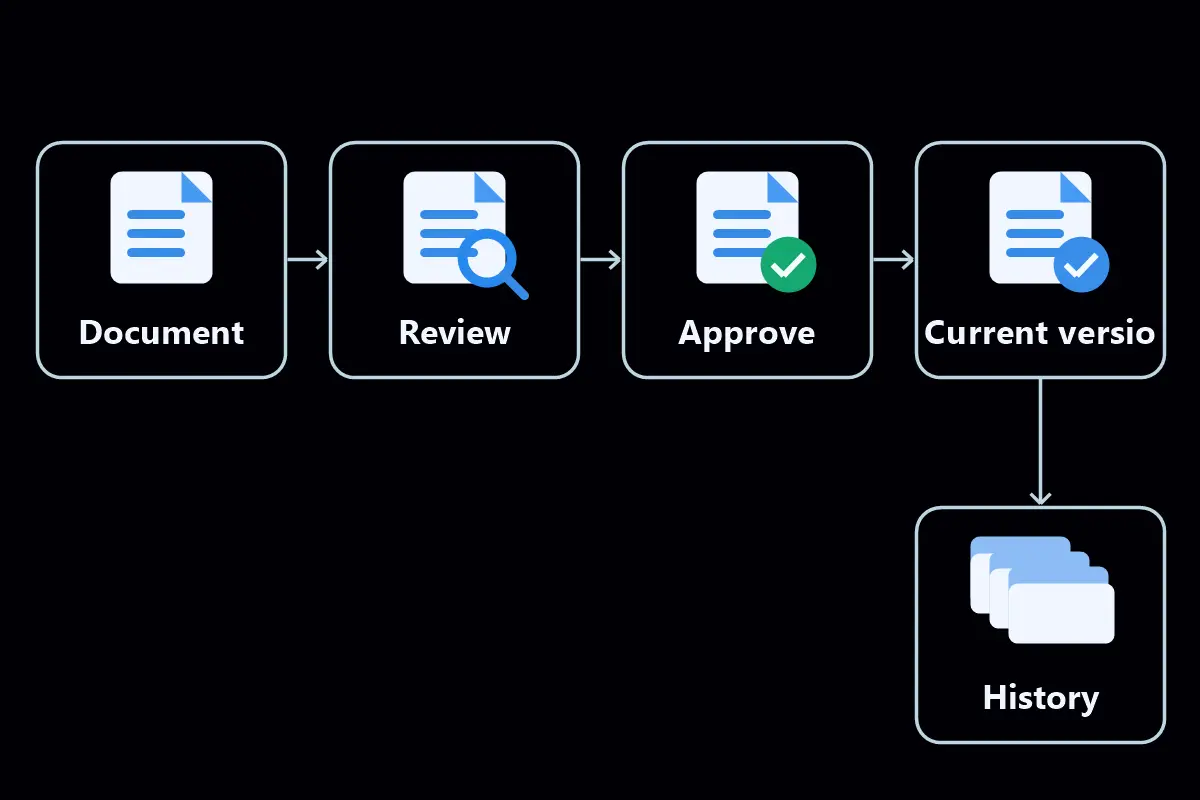
Retain the History Behind Every Revision
Follow how an instruction developed and identify the decisions behind its current wording.
CONFIGURABLE DOCUMENT CONTROLS
Set the Controls Around Each Document
Configure documents according to their purpose and audience.
READING AND APPROVAL REPORTING
Track Policy Acknowledgement and Required Reading
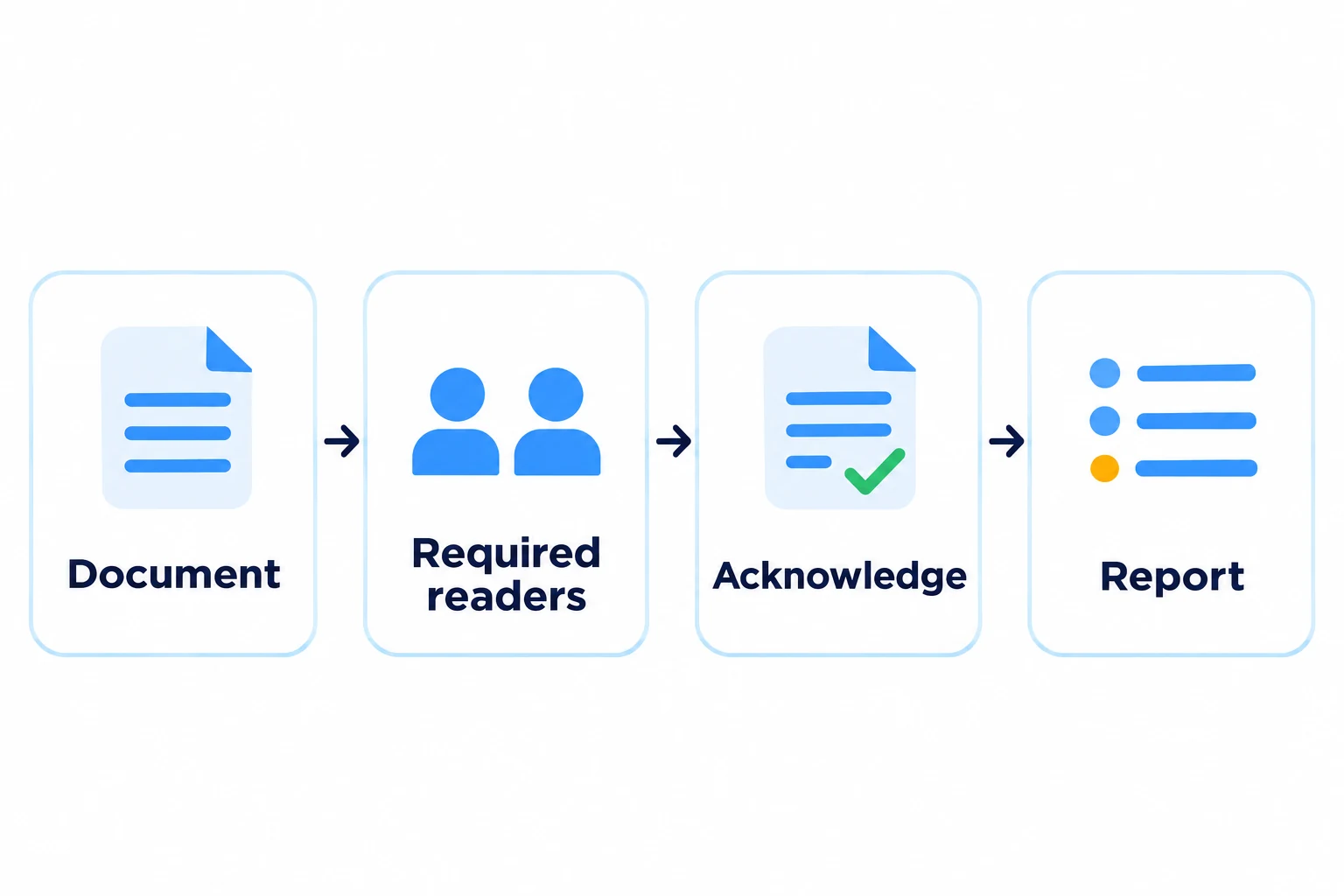
Use policy acknowledgement tracking for policies, SOPs and work instructions that employees need to read and acknowledge. Enable reading confirmation for the selected document and review completion through the Read & Approval Report.
The Read & Approval Report brings document approval progress and reading completion into one view. See how many required readers have confirmed a document, or select an individual to review their position across assigned documents.
Reading requirements reflect site allocation, job-role document levels and individual sharing. This supports oversight of people working across different locations, including remote workers.
Where a changed instruction requires new skills, follow the acknowledgement with the appropriate training and competency assessment.
REQUIRED DOCUMENTS INDEX
Identify Missing Documents and Reviews Due
The Required Documents Index helps organise the policies and procedures relevant to your selected management-system standards. Customise the index for your organisation.
This gives managers a practical starting point for closing documentation gaps and maintaining existing information.
EXTERNAL DOCUMENT REGISTER
Keep External Documents Visible
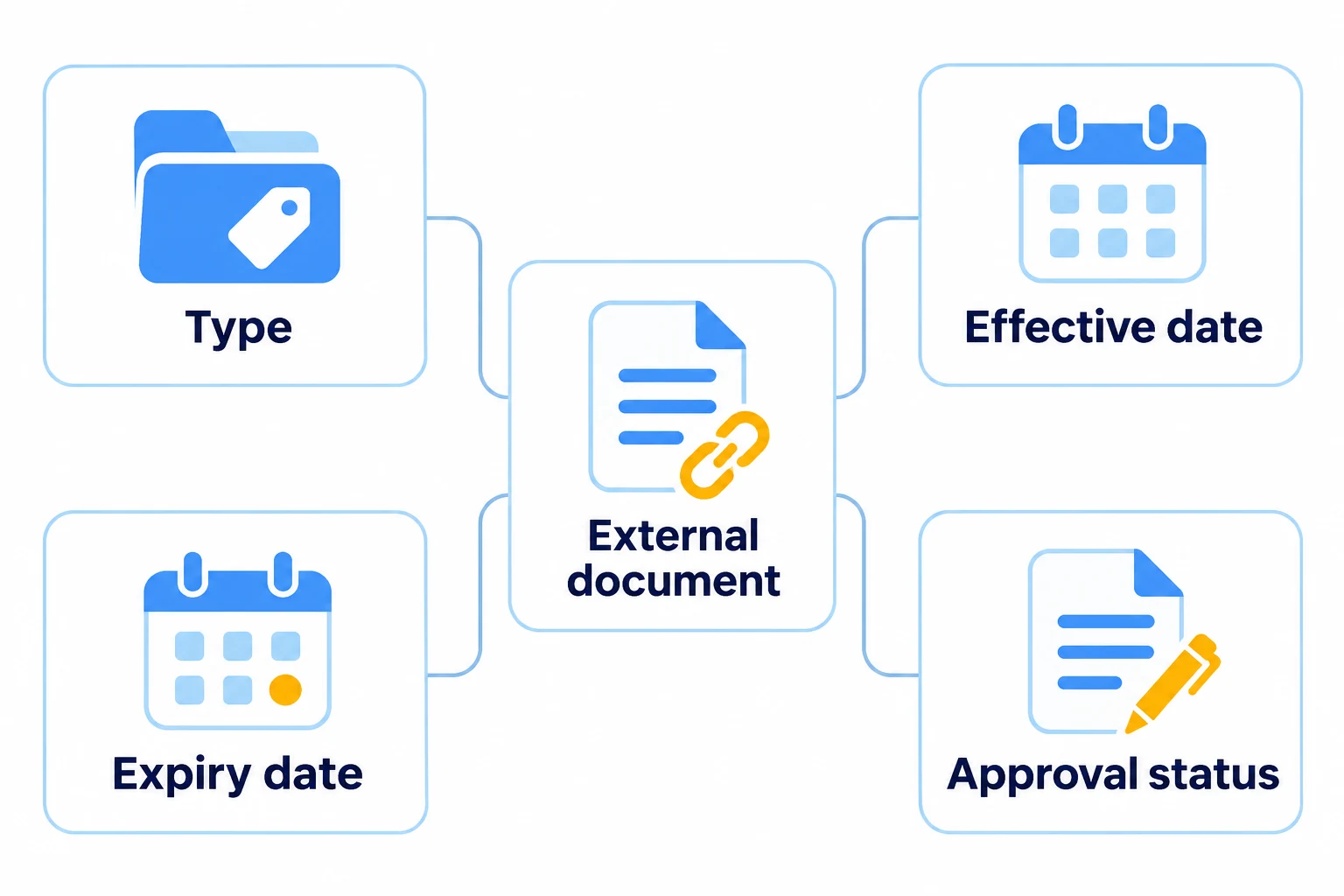
Maintain a separate register for information controlled by another organisation, such as standards, supplier documents, certificates and agreements.
Record document type, group, effective date, expiry date and approval status so external information can be found and reviewed alongside your internal controls.
CONNECTED COMPLIANCE FUNCTIONS
Connect Documents to Everyday Compliance
Document control supports the wider work managed in Zebsoft.
Maintain the policies and procedures supporting consistent work through quality management software, or use document control within your Integrated Management System.
GETTING STARTED WITH DOCUMENT CONTROL
Start with the Documents That Matter Most
Begin with a procedure, policy or work instruction that will bring an immediate benefit to the business. Establish its current version, configure the approval and reading requirements, and give users a clear reason to use the new system.
Expand from that working example as your team becomes familiar with the controls. See how to get started with Zebsoft.
Book a demonstration of document control, tracked amendments, revision history and reading reports.
Supporting documents can be used alongside process management and ZAP Workflows for instructions, checks and training. Use task management to assign the follow-up work.