
TASK & ACTION MANAGEMENT
Task Management Software for Business and Compliance
Make responsibility clear. Keep deadlines visible. Retain the work record.
Replace scattered action lists, email chasing and spreadsheet reminders with tasks your team can find, understand and follow. Zebsoft brings assigned work, schedules, supporting files and conversations together.
Manage everyday business tasks alongside actions arising from audits, incidents and other compliance activity, so people understand what needs doing and why.
CLEAR INSTRUCTIONS
Give Every Task an Owner and a Date
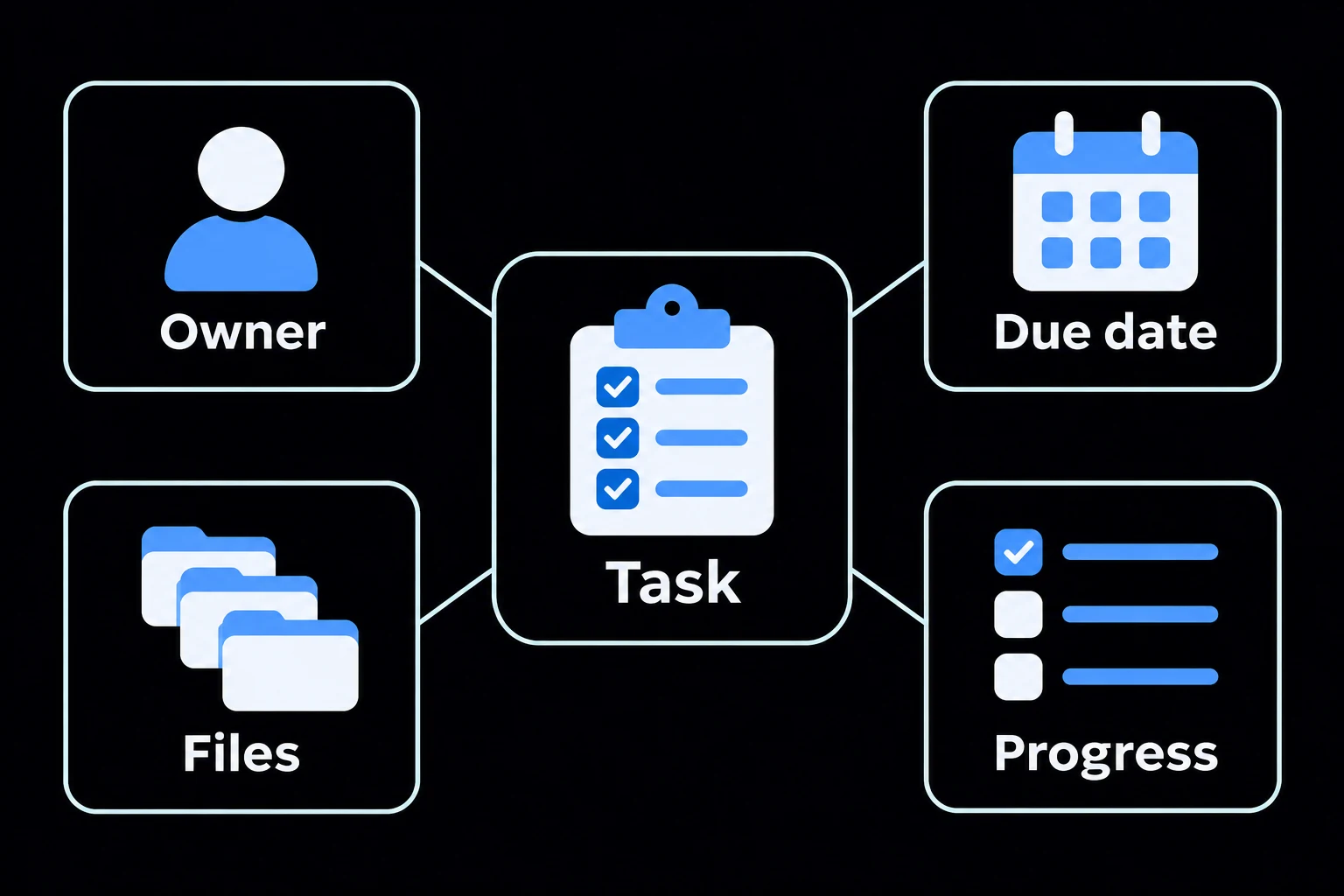
Create a quick task with a title, due date and assigned person. Use the full task form when the work needs more detail.
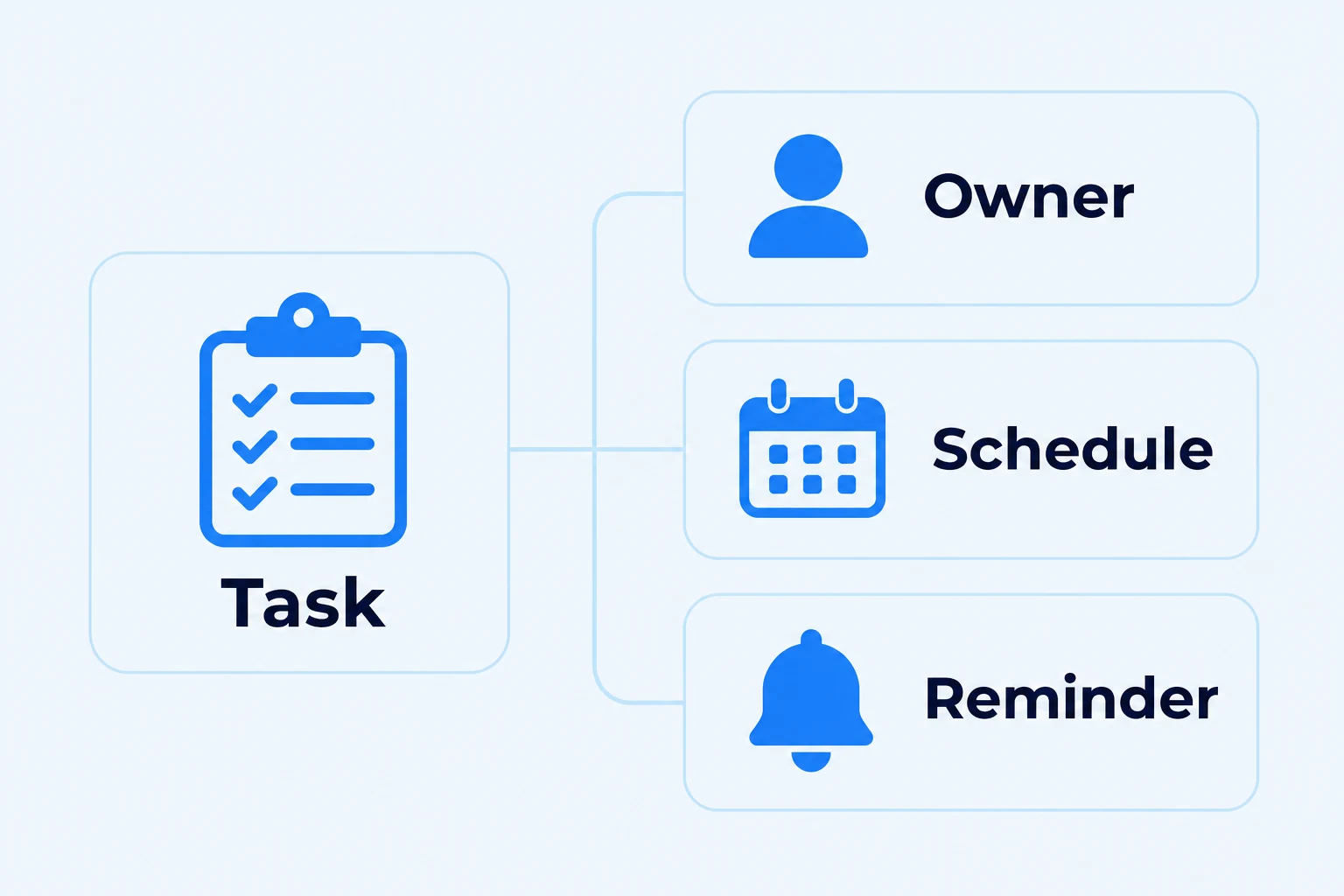
Add a description, priority, start date, scheduled date and reminder. Include attachments so the assignee has the information needed to carry out the work. Link a team where relevant, and use categories to distinguish different kinds of activity.
Schedule Regular Work and Reminders
Set tasks to repeat on weekdays, every day, weekly, monthly or annually. Choose whether the schedule continues, ends on a date or stops after a set number of occurrences.
Use recurring tasks for work such as routine checks, inspections and periodic reviews. Set the reminder alongside the schedule so responsibility and timing are recorded together.
CONNECTED RECORDS
Keep the Task Connected to the Reason for It
Tasks can be raised from records such as incident reports and audit findings. Categories with a report type allow a task to be tagged to a specific record.
Attach a checklist where the task requires a structured check. A selected document can also be shared with the assignee through the task, giving them access to the instructions they need.
This helps the person doing the work understand its context and helps managers find the response alongside the originating issue.
Show Which Work Must Finish First
Use predecessor tasks to identify work that must finish before a dependent task. This helps teams understand the order of activity when several people contribute to the same outcome.
For example, record a preparation task before a follow-up check, or identify the earlier work needed before a review can take place.
TABLE, KANBAN AND GANTT
Choose the View That Helps You Manage the Work
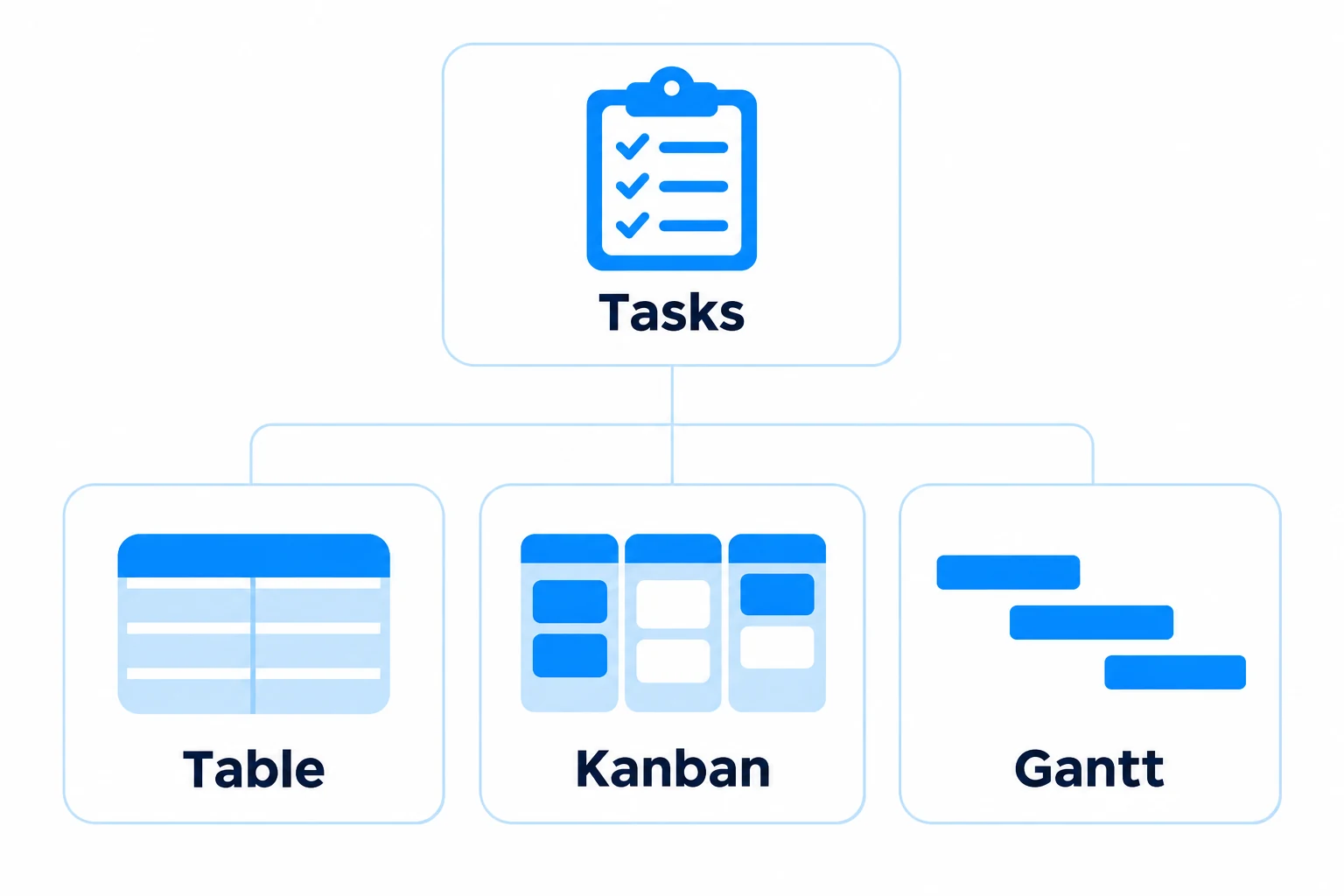
Choose a table, board or timeline view to suit the work you need to manage.
The task register highlights open, in-progress, missed and completed work, with a personal view of open tasks. Managers can focus follow-up on work needing attention.
Table
Review task records, owners, teams, due dates and status. Search and filter by owner, team, type, category or status.
Kanban
See board tasks arranged through stages such as Open, In Progress, Completed and Rejected.
Gantt
Use the available timeline view to review scheduled work over time.
TASK RECORD
Keep Files, Conversations and Date History Together
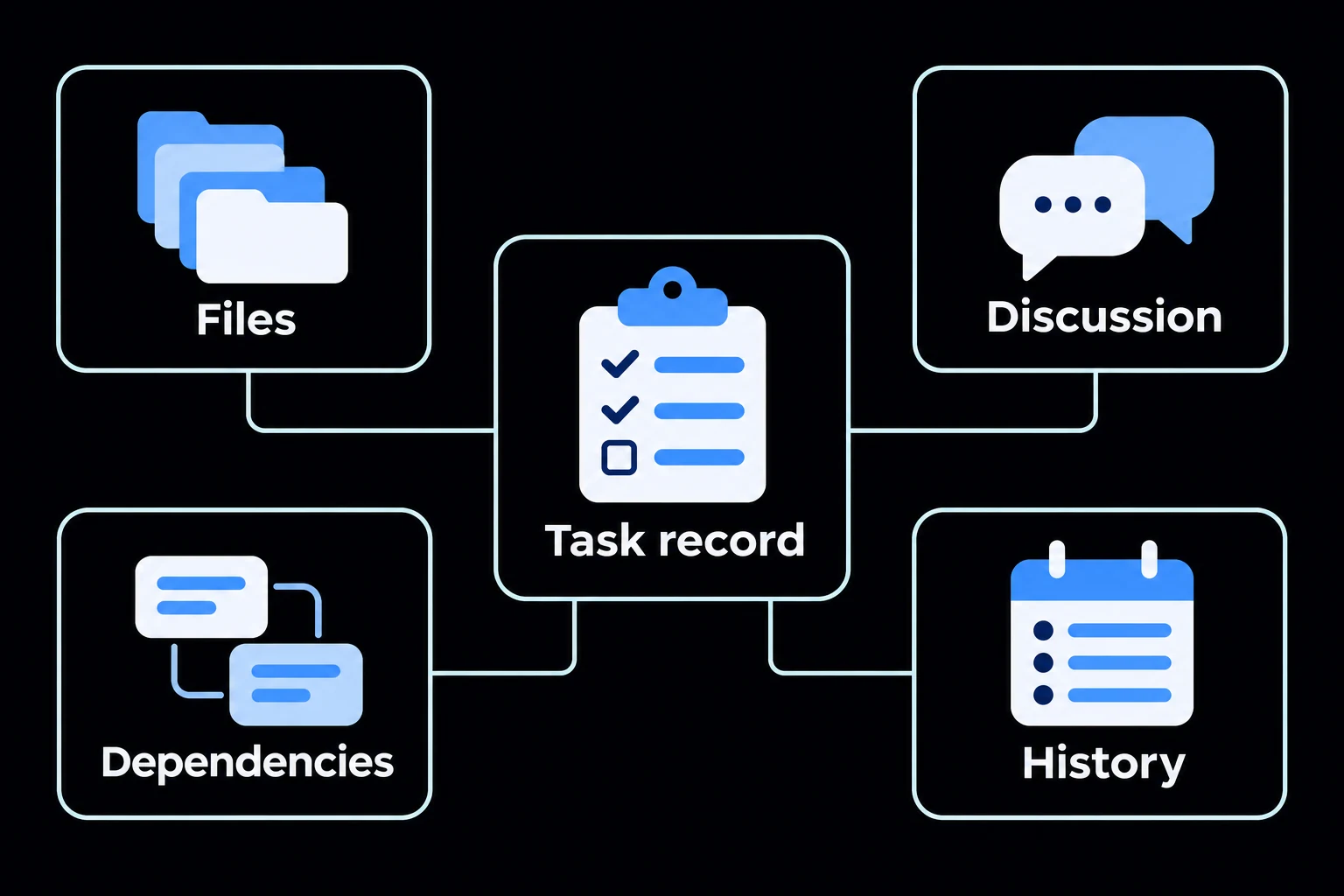
Open a task to review its details, schedule, dependencies, checklist, conversation, files and activity. Changes to start dates, due dates and reminders are recorded in the schedule history.
Retain the information associated with the work rather than relying on a separate email thread to explain what happened.
TASKS AND ZAP WORKFLOWS
Use a Task for Assigned Work and a Workflow for Detailed Checks
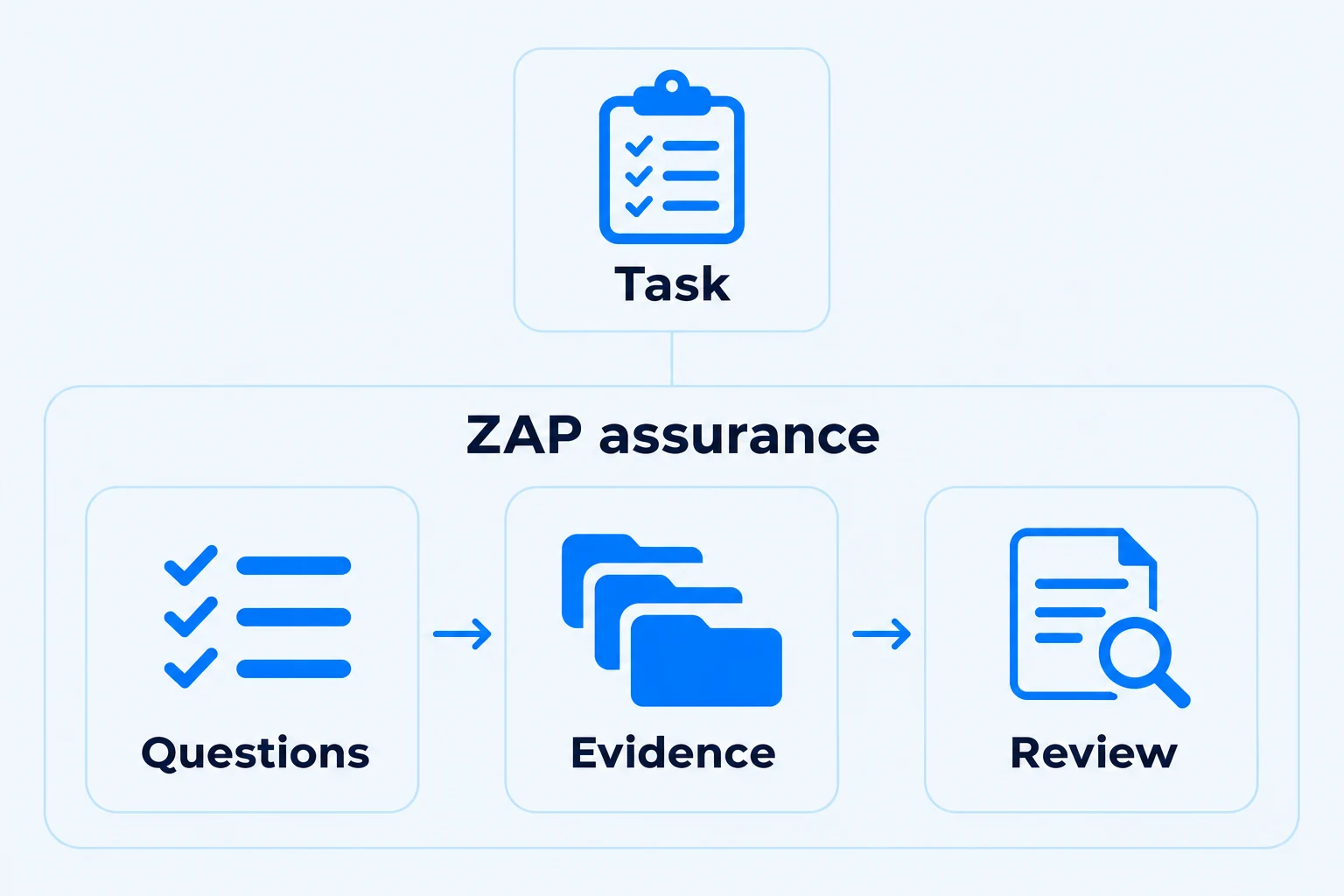
A task identifies the work, person and timing. A configured ZAP Workflow can guide someone through sections, questions and supporting evidence when the activity needs a more detailed process.
Use workflows for requirements such as onboarding, operational readiness checks, permit-to-work information and granular training supported by documents and videos. See process management and ZAP Workflows for the available configuration options.
Where a task addresses a non-conformity, the finding’s effectiveness review is a separate step before closure. See incident and corrective-action management and audit management.
START WITH IMMEDIATE BENEFIT
Begin with the Work Your Team Is Already Chasing
Choose one recurring task list or follow-up process that currently depends on spreadsheets and reminders. Agree the owners, schedules and information needed, then show users how the new system makes that work easier.
Expand to other activities once the team can see the benefit. Read getting started with Zebsoft or book a demonstration using a task your business needs to manage.
See ZEBSOFT in practice
Explore these short demonstrations, with a summary and full transcript for each video.
Feedback, risks & suggested changes
Watch how people can record feedback, highlight a risk or suggest a change in Zebsoft. The demonstration shows the information that supports a report, including location, photographs, documents and the reason for a proposed change.
Communication & meetings
See how Zebsoft brings announcements, meetings, feedback and tasks together. The video explains how agendas, discussion records and linked follow-up tasks help teams keep communication connected to the work that follows.