
RISK MANAGEMENT & CONTROL ASSURANCE
Risk Management Software for Assessment, Treatment and Control Assurance
Understand Your Exposure. Assign Action. Review the Result.
Bring risk assessments, ownership, treatment actions and supporting information together. Zebsoft helps your team identify risks, assess their significance, record planned controls and review the exposure that remains.
Use the risk register to compare inherent and residual scores, identify risks above your organisation’s acceptance threshold and see which records require attention.

SHARED RISK REGISTER
See Your Risk Position Clearly
Replace disconnected spreadsheets with a shared risk register covering business, quality, safety, environmental, information security, financial and other risk categories.
Switch between inherent and residual risk matrices to examine exposure before and after controls. Select a matrix cell or apply filters to focus on the risks that matter.
Filter by risk type, treatment decision, recorded control effectiveness, risk level and risk appetite. Search the register or export records for further review.


INHERENT & RESIDUAL RISK
Assess the Risk Before and After Controls
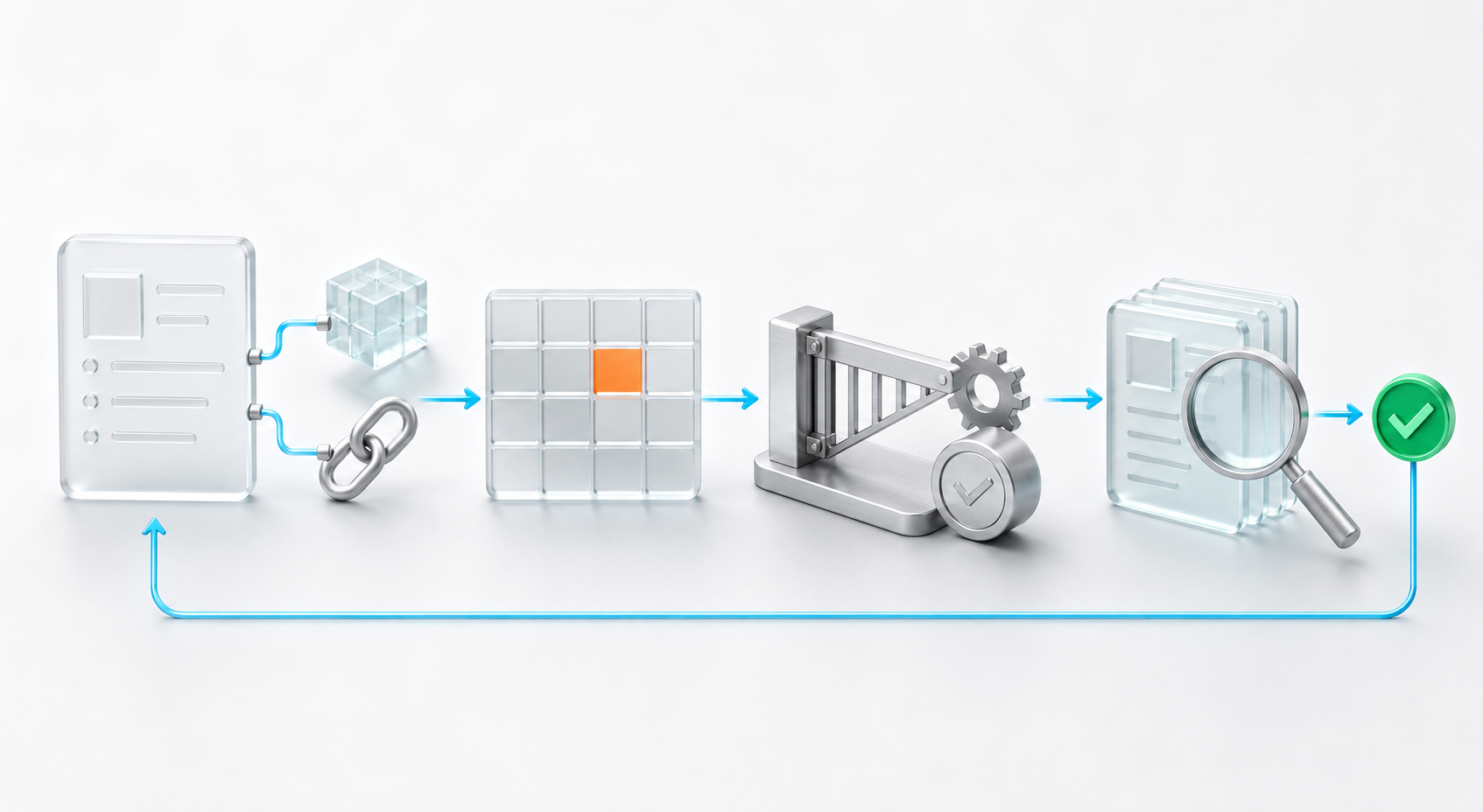
Record what could happen, who could be affected and the potential consequences. Assess likelihood and severity before controls, then document the measures intended to manage the exposure.
When those measures have been reviewed, record a separate residual assessment. Zebsoft displays both scores and the difference between them.
Keep residual risk unassessed until a responsible person has reviewed it. A lower score records the assessment; supporting evidence helps explain why that judgement is justified.
See how a nuclear submarine water purification supplier uses Zebsoft for risk and compliance.
OWNERSHIP & TREATMENT
Give Every Risk an Owner and a Treatment Decision
Identify the person responsible for the risk, set a review date and record the chosen response: avoid, reduce, transfer or accept.
Describe planned control measures and the action taken. Raise treatment tasks against the risk so the work required to address it remains connected to the assessment.
Clear ownership helps teams move from identifying a problem to deciding what needs to happen next.
CONNECTED SUPPORTING INFORMATION
Connect the Information Behind the Assessment
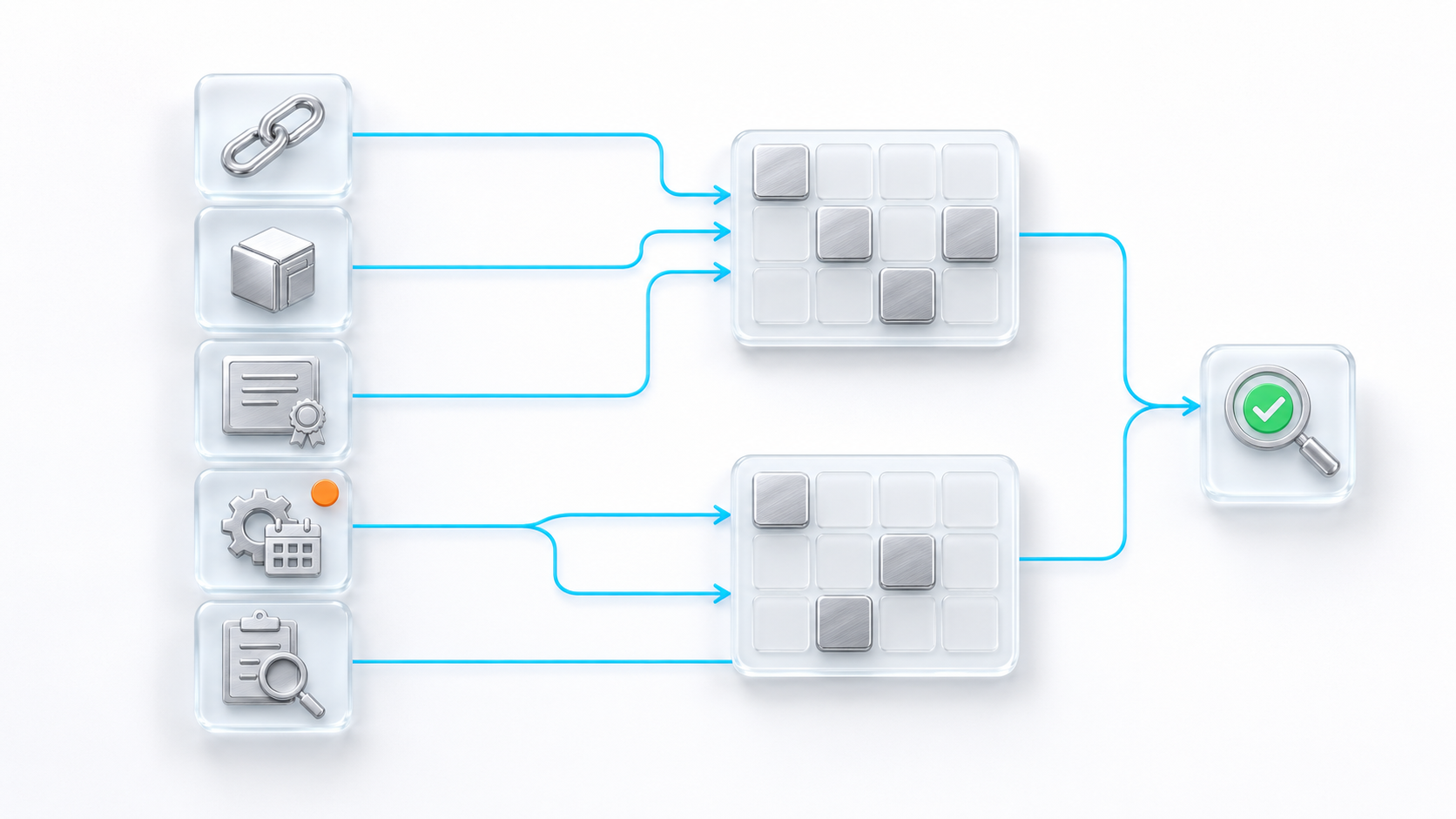
A useful risk record needs more than a score. Bring together the information responsible people need to understand the exposure and review the response.
- Link internal and external documents.
- Connect relevant contingency plans.
- Identify the sites where the risk applies.
- Associate related risks.
- Attach photographs and supporting documents.
- Record risks introduced by the treatment itself.
For example, changing a process to reduce one risk may introduce another. Retaining that relationship helps reviewers consider the consequences of the treatment.
HISTORICAL RISK SNAPSHOTS
Retain the Risk Position Behind Management Decisions
Risk register snapshots preserve a point-in-time record of the register for historical review.
Compare the current position with retained snapshots to understand what information was available when management reviewed the business. Snapshot summaries include risk counts, high risks, treatment and overdue reviews.
Captured snapshots cannot be edited or backdated, helping preserve the historical position alongside the live register.
PRACTICAL BUSINESS EXAMPLE
Put Risk Management Into Everyday Work
Consider a business with employees working across customer sites.
The risk owner records the activity, affected people and potential consequences, then assesses the inherent exposure. Planned controls might include competence requirements, equipment inspections and working instructions.
The team links relevant documents and sites, assigns treatment tasks and records the response. Once the controls have been reviewed, the owner assesses residual risk and sets the next review date.
Zebsoft connects risk management with the wider business processes that support those decisions, including:
- Employee compliance and competence
- Equipment and maintenance
- Supplier management
- Audit management
- Document control
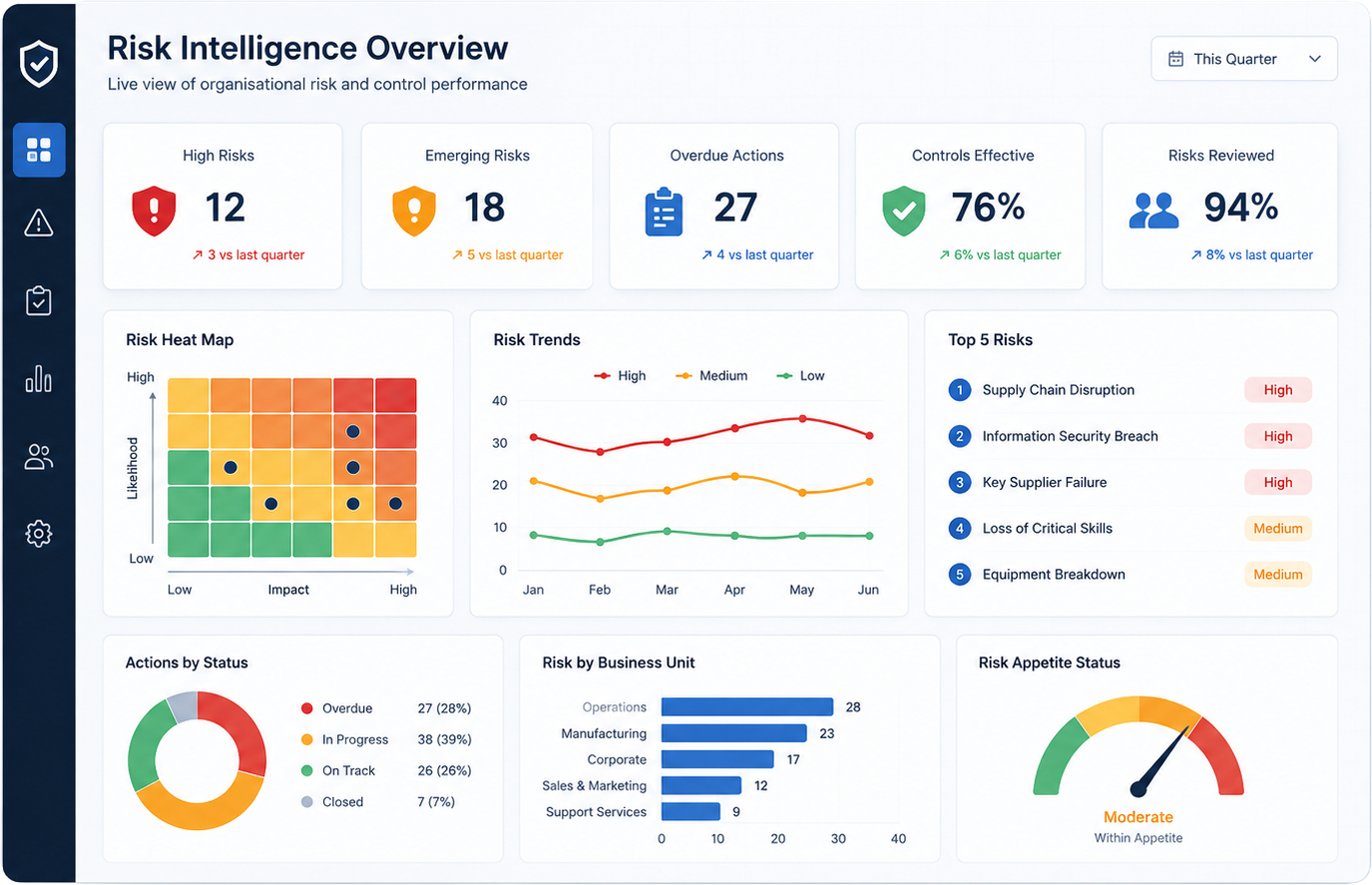
Illustrative example.

PRACTICAL QUESTIONS
Risk Management Software FAQs
What is inherent and residual risk?
Inherent risk is the assessed exposure before controls. Residual risk is the exposure assessed after taking the controls into account. Zebsoft records them separately.
Can we manage different risk categories?
Yes. The register supports different risk types, with filters that help users focus on a particular category.
Can one risk apply across several sites?
Yes. A risk can be associated with relevant sites and connected to other risks.
Can we track work arising from a risk?
Yes. Treatment tasks can be raised against the risk record.
Does AI add risks automatically?
No. AI suggests scenarios using the organisational context supplied by the business. Users review and decide what to save.
Can we retain previous versions of the risk register?
Snapshots preserve the register at the time of capture. They cannot be edited or backdated.