

PRACTICAL WORKFLOW GUIDE · AUSTRALIA

Contractor and Equipment Readiness for Australian Operations

A contractor file, a competence record and an equipment check can each look complete while referring to different work or operating conditions. Australian engineering, maintenance and mining-supply teams need a connected readiness review. This guide explains how to bring the relevant records together before an authorized person decides whether the planned activity can proceed.
Australia software and assurance overview

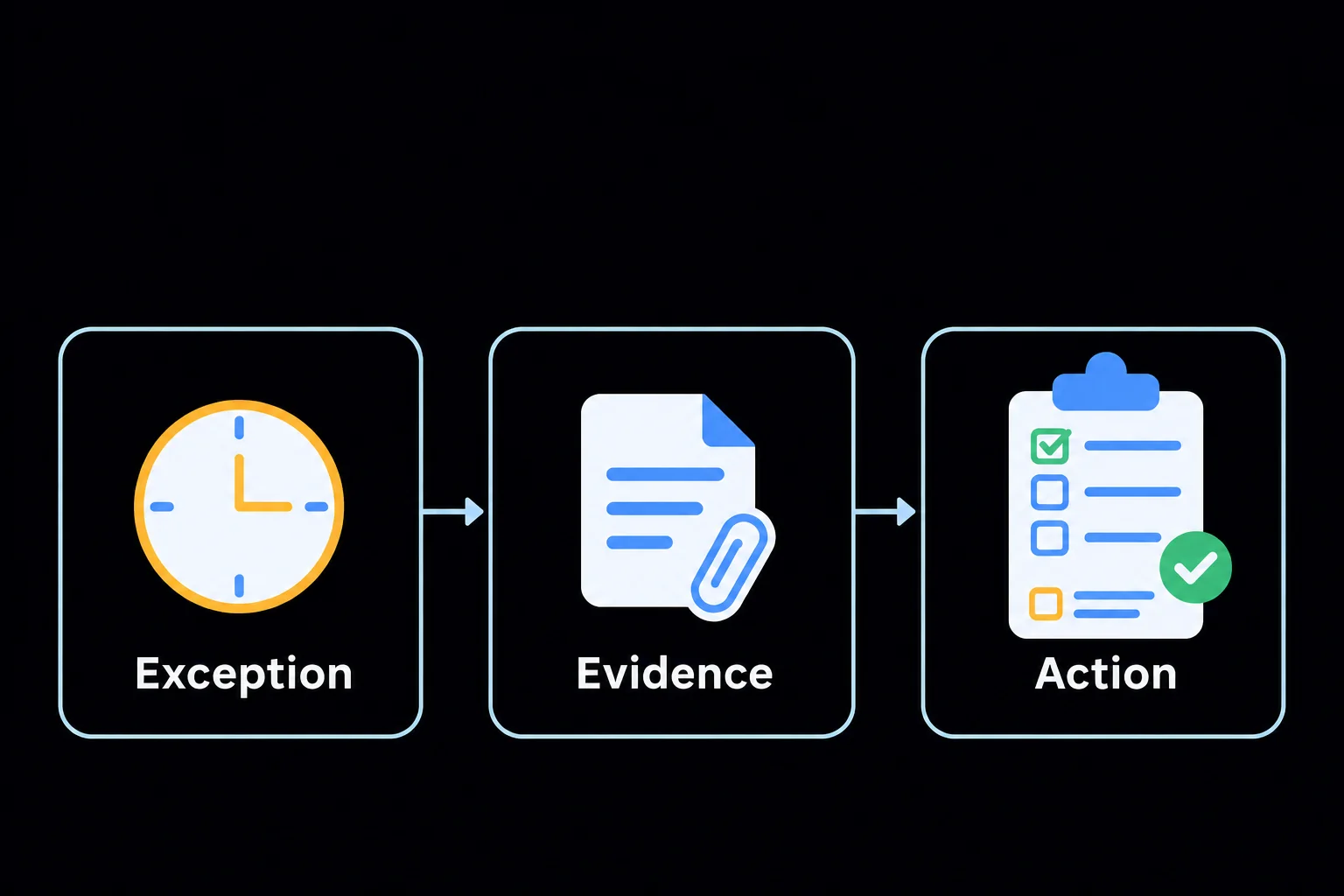
An exception remains connected to its supporting evidence and a responsible follow-up action.

An Illustrative Operating Scenario

Illustrative scenario: a maintenance contractor is assigned to a customer site using specified equipment and an approved work instruction. The reviewer needs current supplier information, relevant role evidence and the equipment’s reported condition. A missing record or adverse check needs an owner and a decision, rather than disappearing into a combined ready status. This is an example workflow, not a permit-to-work system specification or safety authorization.

Assess Readiness Against the Actual Work

1. Define the activity and its requirements

Identify the work, location, responsible team and equipment involved. Establish the information and checks required by the organisation and customer for that activity. Do not assume that approval for one contract or site automatically demonstrates suitability for a different job or operating condition.

2. Review contractor information

Connect the supplier review and requested evidence to the intended work. Record the source and review position for the relevant documents. Distinguish current information from information that is appropriate: a document may be in date while failing to address the scope the reviewer needs to assess.

3. Check role and competence evidence

Review the people assigned to the activity against the organisation’s role requirements. Consider relevant training, authorisations and refresher dates. Keep the responsible reviewer’s assessment visible; a supplier’s general approval does not itself establish that every individual is suitable for every task.

4. Examine equipment records and checks

Connect the specified equipment to its records and relevant maintenance-related or operational checks. Investigate adverse results and missing evidence. An equipment record being present in the system is different from a responsible person having reviewed its condition for the proposed use.

5. Route exceptions to the decision-maker

Assign gaps to owners and identify the authority needed to decide the next step. Record any effect on the planned activity and communicate it to the relevant people. Zebsoft supports the evidence and action route; it does not independently release equipment or authorize hazardous work.

6. Recheck when the operating position changes

Review readiness again where people, equipment, instructions or the work scope change. Retain earlier decisions and the reason a new review was needed. Follow up adverse results and implementation evidence after the activity, so a readiness assessment remains connected to what actually occurred.

Make Each Decision Explicit

Agree these review points with the responsible people for the intended workflow. Records support their judgement; they do not replace it.

Evidence available for review

The specified contractor, people, equipment and work instruction are linked to the planned activity. The reviewer can assess the relevant evidence without inferring suitability from unrelated approvals or a generic completeness score.

Unresolved readiness exception

A gap or adverse result requires clarification, action or a decision by an authorised person. Record the next step, owner and effect on the work. Avoid allowing an overall status to obscure a critical unanswered question.

Recorded operating decision

The responsible person retains the scope, evidence and outcome of the review. Where circumstances change, the decision can be revisited against its original basis rather than treated as an unlimited approval for future work.

A Practical Review Checklist

  • Define the work, site and equipment in scope.
  • Review supplier evidence against the actual activity.
  • Connect assigned people to relevant competence requirements.
  • Investigate missing or adverse equipment evidence.
  • Retain the authorised decision and communicate exceptions.
  • Reassess when people, scope, equipment or instructions change.

Connect the Workflow in Zebsoft

These capabilities provide the connected record and review routes to explore during evaluation. Agree the configuration, permissions and verification needed for your intended use.

Supplier evidence and collaboration

Equipment and asset records

Competence and role requirements

Questions to Resolve During Evaluation

Is a current certificate enough to demonstrate readiness?

It may be one relevant record, but the reviewer must consider its scope and relationship to the intended activity. Identify the full evidence needed under the organisation’s arrangements and retain the judgement supporting the decision.

Can this be assumed to work offline at every site?

No. Evaluate the intended devices, connectivity, access and working conditions before rollout. Use a demonstration and agreed verification to establish suitability for the actual operating environment rather than assume capabilities that have not been confirmed.

Test One Contractor Readiness Review

Bring a real activity, the assigned roles and the equipment involved. Review how the evidence, exceptions and responsible operating decision could remain connected through a configured Zebsoft workflow.