

CONNECTED AUDITING · OPERATIONAL ASSURANCE

Audit Management Software for Connected Assurance

Plan the Audit. Capture the Evidence. Verify the Response.

ZAP stands for Zebsoft Assurance Platform. Configurable ZAP workflows enhance the Zebsoft system by guiding checks, collecting evidence and routing decisions and follow-up.

Zebsoft audit management software connects audit programmes, checklists, ZAP workflows, reports, findings and corrective actions in one system. Manage internal management-system audits, supplier reviews, site inspections and operational checks. Attach checklists and workflows to an audit so the work performed and its supporting evidence remain connected to the audit record.

Give auditors a structured way to record what was checked and why a finding matters. Give action owners clear responsibilities, and give management a visible record of progress, outstanding risk and whether corrective action was effective.

Explore the connected auditing tools in Checklists, ZAP workflows and professional auditing for planned audits and recurring operational checks.
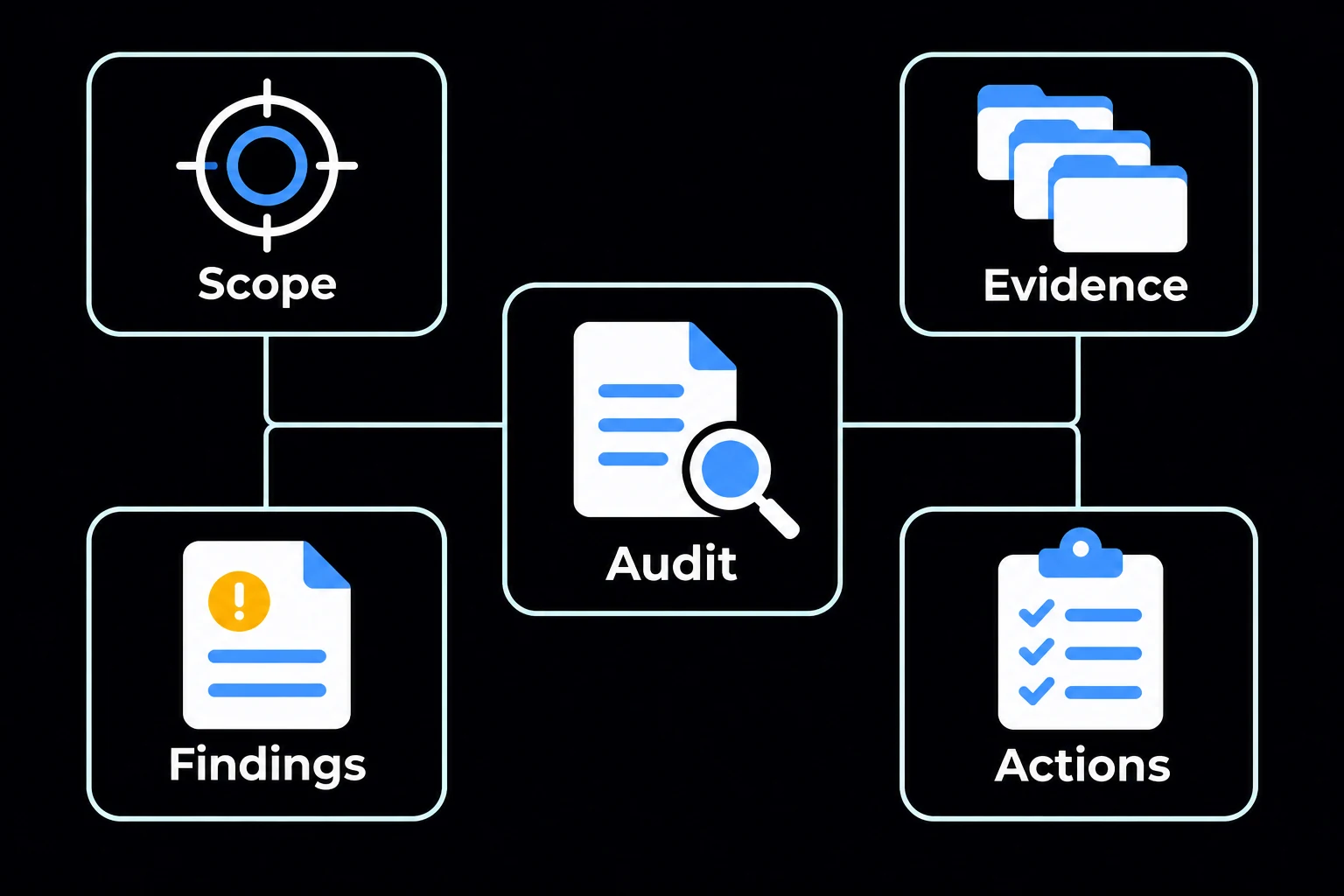
  • Plan a risk-informed programme across sites, processes and standards
  • Use controlled questions, criteria and evidence requirements
  • Turn findings into owned actions with target dates and escalation
  • Verify closure and retain the complete decision and evidence trail
An audit connects its scope, evidence, findings and actions.

AUDIT IS A CONTROL PROCESS

One Connected Auditing Capability

Choose the audit method that suits the activity, from a repeatable checklist to a detailed audit supported by structured workflows. Audit programmes, checklist results, ZAP workflows, findings and external audit access form one connected auditing capability. 


Checklists and audit records

Schedule activity, assign responsibility, define scope and objectives, select sites and attach checklists. Carry out repeatable checks and retain their results alongside the audit record. 


ZAP workflows and data sources

Structure detailed checks into sections with instructions, questions, evidence requirements and scoring. Manage reusable options, target records and references through data sources. 


Findings, CAPA and external audits

Record findings, allocate corrective actions and review effectiveness. Provide external auditors with controlled, time-limited, read-only access to the information made available to them. 

Zebsoft structures the route and preserves traceability. It does not replace auditor competence, independence, evidence evaluation or management responsibility.

AUDITING WHERE THE WORK HAPPENS

Mobile Auditing at the Point of Work

Carry out audits and operational checks where the work happens—on site, on the production floor, at a supplier’s premises or across a distributed workforce.

Zebsoft brings structured checklists and ZAP workflows to the person performing the check. Follow the instructions, record observations and provide supporting evidence through a mobile device, keeping the results connected to the audit and its follow-up. 


Follow the Check

Use the relevant checklist or workflow to work through the questions, instructions and evidence requirements for the activity. 


Record What You Find

Capture answers, observations and supporting evidence while examining the work, reducing the need to reconstruct findings later from separate notes. 


Connect Results to Action

Keep completed checks linked to the audit record. Raise findings, assign corrective actions and retain visibility through review and effectiveness verification. 

Mobile auditing supports site inspections, supplier assessments, equipment checks, production validation and operational readiness. Managers can review the resulting records and outstanding actions in the same connected system.

See mobile auditing in a Zebsoft demonstration →

ONE CONNECTED LIFECYCLE 

From Programme to Evidence of Improvement

The workflow keeps the audit itself and the response to its findings inside one traceable chain. 


Programme

Define coverage, priorities, frequency, resources and responsibilities. 


Plan

Set objectives, scope, criteria, team, timing and methods. 


Execute

Use controlled questions and capture relevant evidence.


Find

Record conformity, nonconformity and improvement observations.


Act

Assign correction, cause analysis and corrective action. 


Verify

Review evidence and determine whether closure is justified. 


Learn

Report themes, recurrence, coverage and changes to the programme. 

MANAGE THE PROGRAMME, NOT JUST INDIVIDUAL AUDITS 

Give Each Audit a Clear Purpose

Define what the audit will cover and what it sets out to establish. Record the date, activity, assigned auditor, people to notify and relevant sites. Attach the checklists needed for execution and set recurring schedules where appropriate. 

  • Define programme objectives, responsibilities and reporting expectations
  • Schedule recurring and one-off audits with named ownership
  • Relate audits to applicable processes, risks, obligations or suppliers
  • Select an appropriate audit team and record relevant competence
  • Make overdue or deferred audits visible rather than silently moving dates
  • Review coverage and outcomes when risk, performance or operations change

Use planner and list views to review the programme and distinguish planned, completed, review and missed activity. Frequency and depth remain organisational decisions.
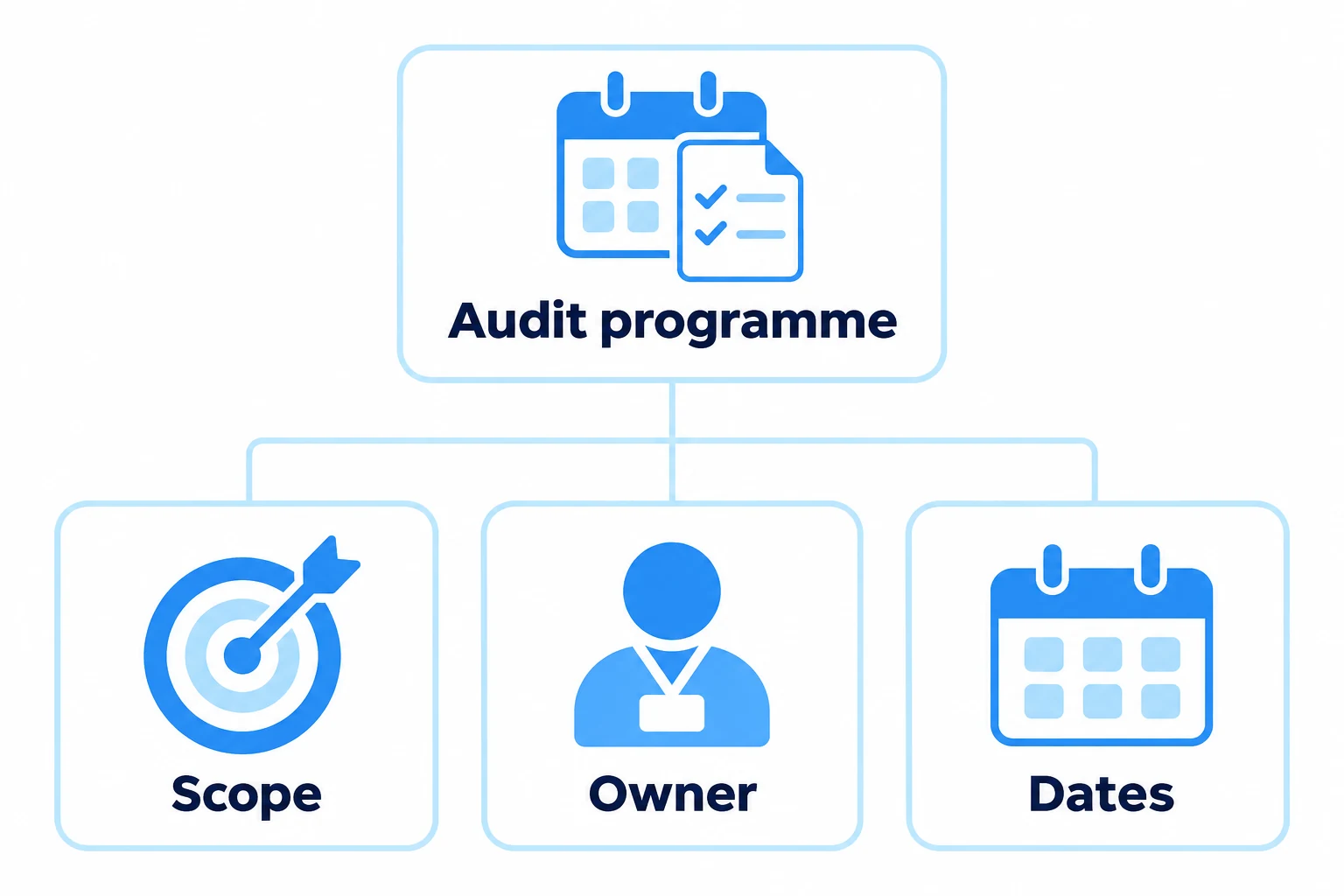
An audit programme connects scope, ownership and scheduled dates.

CONSISTENT EXECUTION, PROPORTIONATE EVIDENCE

Bring Checklists and Workflows Into the Audit Record

An audit can draw on several structured checks. Attach the relevant checklists and ZAP workflows to support its scope, then keep their execution and evidence connected to the audit. Use the method for supplier assessment, production checks, equipment inspections and operational readiness as well as management-system reviews.


Controlled criteria

Build workflows in sections using confirmations, choices, dates, numbers, text, ratings and file uploads. Give the person carrying out the check clear instructions and evidence requirements. 


Logic and scoring

Set pass and warning thresholds, display failure warnings and decide how unanswered questions should be handled. Use the results to focus follow-up while retaining human review of the evidence.


Evidence capture

Attach or reference documents, records, photographs and observations in proportion to the finding and access rules. 


Review and sign-off

Write the audit report in sections, attach evidence and preview it for issue as a PDF. Keep the write-up, findings, checklists, actions, files and discussion accessible from the audit record. 

Templates can be cloned and reused for recurring activity, while controlled updates prevent obsolete questions from quietly remaining in circulation.
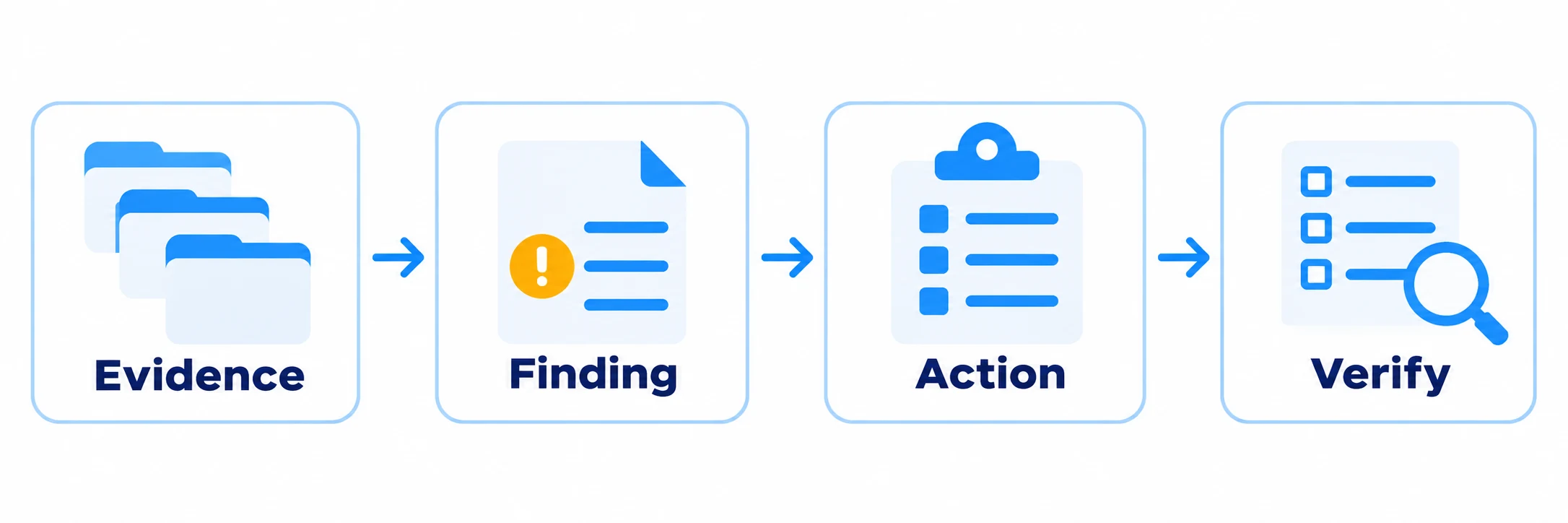
Audit evidence leads to a finding, assigned action and effectiveness verification.

CLOSE THE LOOP 

Follow Corrective Action Through to Effectiveness

Describe what was found, where it was found and the requirement being assessed. Record severity, category, site, owner and due date; link the finding to an audit criterion and applicable standards clauses, and attach supporting photographs or files. Allocate corrective actions as linked tasks with responsibility, scheduled dates, reminders and supporting information. 

  • Describe the finding against the relevant criterion and supporting evidence
  • Classify the finding using the organisation’s agreed method
  • Assign immediate correction where necessary
  • Determine when root-cause analysis and corrective action are required
  • Allocate actions to named owners with dates and evidence expectations
  • Review submitted evidence before accepting completion
  • Perform an effectiveness check where the risk or procedure requires one
  • Reopen or escalate action when closure is not supported

Keep the finding, actions, discussion and history together. Nonconformities require corrective action to be reviewed and marked effective before the finding can close. Observations and opportunities for improvement follow a proportionate closure route. Completing a task and accepting the effectiveness of the response are separate decisions.

A PRACTICAL EXAMPLE 

How One Process Audit Becomes Operational Assurance

Consider an internal audit of supplier purchasing and approval. The audit should do more than confirm that a procedure exists. 

01 

Set the scope

Define sites, activities, criteria, sampling and the intended audit  outcome.

02 

Examine practice

Compare approved arrangements with selected supplier, order, approval and review records. 

03 

Record evidence

Retain the sample references and objective evidence supporting the conclusion. 

04 

Raise the finding

Link any gap to the applicable criterion and responsible process owner. 

05 

Control the response

Track correction, cause, action, owner, dates and supporting evidence. 

06 

Verify and learn

Test effectiveness, identify recurrence and feed the outcome into supplier and risk reviews. 

ONE METHOD, DIFFERENT AUDIT CONTEXTS 

Apply the Capability Across the Organisation

Each audit type needs appropriate scope, competence and criteria. A connected platform allows common control of programmes, evidence, findings and actions without pretending every audit is identical.


Internal audit software for management systems

Plan internal audits across ISO 9001, ISO 14001, ISO 45001, ISO 27001, ISO 13485, ISO 22301 or an integrated management system. Define the applicable clauses, process requirements and evidence criteria for each audit. Review shared processes across standards while retaining a clear record of which requirements were assessed.


Supplier and contractor audits

Supplier audit software helps your team assess approved arrangements, capability, evidence and agreed requirements. Keep the audit, findings, assigned corrective actions and supplier response connected so reviewers can follow the evidence and outcome. 


Operational and site audits

Check whether defined controls, processes, inspections and responsibilities are operating in practice. 


Compliance audits

Use compliance audit software to assess selected legal, regulatory, contractual or internal requirements against criteria approved by your organisation. Record the requirement, evidence examined, finding and response so reviewers can follow the basis of the conclusion.


Controlled external auditor access

Define the standard being audited, purpose of access, document visibility level and access window. Give external auditors a time-limited, read-only route to the information made available to them, with the ability to revoke access. 


Multi-site programmes

Use common structures while retaining site-level scope, evidence, results, ownership and trend visibility. 

ACCOUNTABILITY BY DESIGN 

Keep Roles Distinct Throughout the Audit

Clear roles help protect audit objectivity and prevent actions from disappearing between the auditor, process owner and management team. 


Programme manager

Sets programme priorities, resources, coverage, reporting and review arrangements. 


Auditor or audit team

Plans and conducts the audit, evaluates evidence and records conclusions within authorised scope. 


Process or action owner

Responds to the finding, completes agreed action and provides supporting evidence.


Reviewer or management

Accepts closure where authorised, evaluates trends and decides what further assurance is needed. 

MANAGEMENT VISIBILITY 

See the Position Before the Next Review Meeting

Review scheduled audits that are missed or overdue, planned work awaiting completion, open nonconformities and corrective actions past their due dates. Use checklist pass, warning and fail results alongside the audit and CAPA position, then follow the summary back to the relevant records and evidence. 

  • Planned, active, completed, overdue and deferred audits
  • Open findings by classification, owner, site or process
  • Corrective actions approaching or exceeding their target dates
  • Items waiting for evidence, review or effectiveness verification
  • Repeated themes and areas with weak audit coverage
  • Status summaries suitable for management review and follow-up

Trend information supports prioritisation. It must still be interpreted in context: more findings can indicate deteriorating control, deeper audit coverage or better reporting.
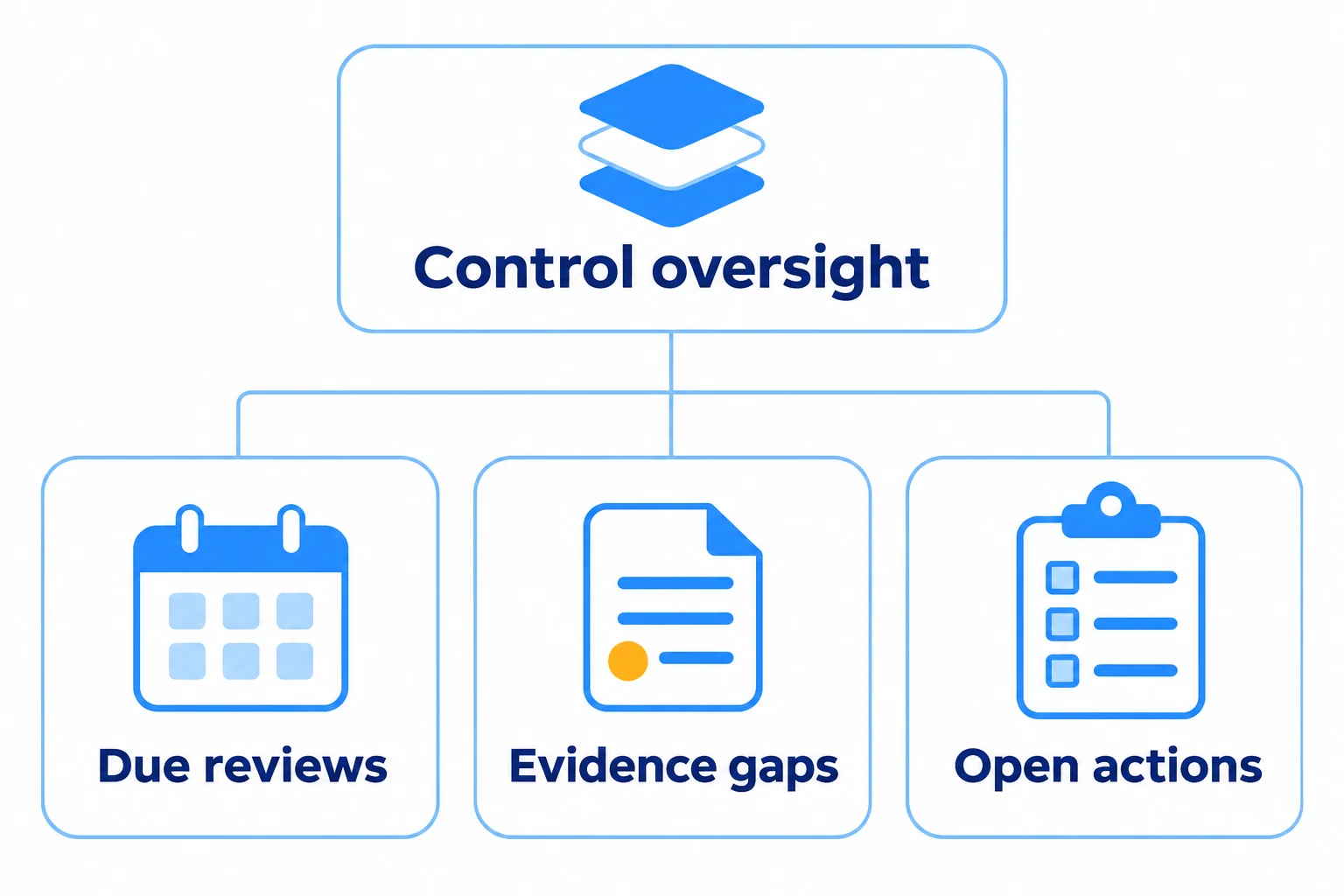
Control oversight highlights due reviews, evidence gaps and open actions.

AUDITS CONNECT TO THE SYSTEM THEY TEST 

Turn Findings Into Wider Management-System Learning

An audit becomes more useful when its evidence and outcomes connect to the controls responsible for performance.


Risk management

Use audit outcomes to review risks, controls and assurance priorities.

Explore risk management → 


Document control

Reference approved policies and procedures, then raise controlled changes where needed.

Explore document control →


Training and competency

Relate findings to awareness, training, competence and auditor-development needs.

Explore training and competency →


Supplier assurance

Connect supplier findings to approval, performance, actions and collaboration.

Explore supplier approval →

For integrated ISO programmes, connect audit evidence and actions to the Integrated Management System and QMS software pages. 

AUDIT GUIDANCE AND SOFTWARE BOUNDARIES 

Designed to Support a Controlled Audit Method

ISO 19011:2026 provides current international guidance on auditing principles, managing audit programmes, conducting management-system audits and evaluating auditor competence. Zebsoft can support the records and workflow around an organisation’s chosen audit method; it does not certify an organisation or make an audit conform to ISO 19011 automatically.


Configure to your method

Set terminology, classifications, routes, permissions and evidence expectations around the approved procedure. 


Retain professional judgement

Auditors determine relevant evidence and conclusions; authorised managers determine acceptable responses and closure. 


Review the system itself

Audit the configuration, templates, access and workflow periodically so the tool does not preserve an obsolete method. 

COMMON QUESTIONS 

Audit Management Software FAQs

Can Zebsoft manage an internal audit programme?

Yes. The system can structure planned audits, ownership, scope, criteria, status, results and follow-up across sites, processes and standards. The organisation defines its programme priorities and resources.

Can we reuse audit checklists?

Yes. Checklists and ZAP workflows can be attached to an audit and reused for recurring work. Review their questions, scope and evidence requirements before use so they remain appropriate to the activity. 

How are findings and CAPA linked?

A finding can initiate correction, cause analysis, corrective action, evidence submission, review and effectiveness verification through a configured route with named ownership and history. 

Does Zebsoft guarantee ISO compliance?

No. The platform supports controlled audit records and workflow. Compliance depends on the organisation’s management system, audit method, competent people, evidence and decisions. 

Can suppliers respond to audit actions?

Where the appropriate supplier portal and permissions are configured, suppliers can be given a controlled route to respond, submit evidence and complete assigned activity without receiving unrestricted internal access.  

Can management see open audit risk?

Dashboards and reports can show programme status, findings, owners, dates and verification stages. Management must interpret those indicators alongside risk, context and the underlying evidence.

ZAP IT. KNOW IT. FIX IT. 

Make Every Audit Lead to a Visible Outcome

Begin with one recurring audit, operational check or corrective-action process where fragmented records and manual chasing create an immediate problem. Establish the scope, responsibilities, questions and evidence requirements, then prove the route from execution to review before expanding. Getting started with Zebsoft → Bring one real audit or operational check to a demonstration. 

Use task management to assign audit follow-up work and ZAP Workflows for configured questions, checks and supporting evidence.