
ONE GOVERNED RECORD. ANY ASSET. ANYWHERE.
Asset Management and Maintenance Software
Control Anything Your Organisation Defines as an Asset
ZAP stands for Zebsoft Assurance Platform. Configurable ZAP workflows enhance the Zebsoft system by guiding checks, collecting evidence and routing decisions and follow-up.
Zebsoft asset management and maintenance software gives every physical, technical, digital or operational asset one controlled record across locations, teams and countries.
Configure what an asset means to your organisation, then connect its identity, owner, location, status, documents, inspection, maintenance, calibration, defects, actions and complete history. ZAP workflows move the required work to responsible people and return evidence to the asset record.
- Build one searchable register for equipment, vehicles, instruments, IT, facilities, tools and custom asset types
- See who owns or uses each item, where it is and whether its recorded status is current
- Schedule maintenance, inspection, testing and calibration according to defined requirements
- Capture defects, service evidence, approvals, movement and lifecycle decisions in context

THE BROAD ASSET-CONTROL CAPABILITY PAGE
A Universal Register Before It Is a Maintenance Schedule
This page is for organisations that need flexible asset records, ownership, location, maintenance and evidence across a mixed estate. It covers the practical control of anything the organisation chooses to register. For the strategic asset-integrity and ISO 55001-led view, use the separate Asset Management Software – ISO 55001 Asset Integrity page.
Define the asset
Create the record structure, identifiers, categories, fields, relationships and evidence requirements that fit the asset type.
Control the work
Route maintenance, inspection, calibration, movement, issue, return, repair and review through configured workflows.
Assure the record
Show what was required, what happened, who decided, which evidence was accepted and what remains unresolved.
Zebsoft does not force every asset into one maintenance model. A fire door, software licence, pressure gauge, production line and issued laptop can share governance while retaining different fields, controls and owners.
ANYTHING REQUIRING CONTROL CAN HAVE A RECORD
One Platform for a Mixed Global Asset Estate
The value of a universal register is not a longer list. It is a consistent way to identify responsibility, requirements, evidence and change without pretending that every asset is the same.
Plant and production equipment
Lines, machines, utilities, lifting equipment, pressure systems and critical components with service, examination and defect history.
Measuring and test equipment
Gauges, sensors, laboratory instruments and reference equipment with calibration status, range, certificate and traceability fields.
Vehicles and mobile assets
Fleet, trailers, mobile plant, field equipment and hire items with custodian, base, movement, inspection and maintenance records.
IT, devices and licences
Laptops, phones, network devices, software, licences and other controlled technology with assignment, access, renewal and disposal evidence.
Facilities and safety systems
Buildings, rooms, doors, alarms, emergency equipment, utilities and site infrastructure with local controls and statutory checks.
Tools, components and custom records
Issued tools, jigs, spares, samples, warranties, customer property or any organisation-defined item needing ownership and history.
THE ASSET-CONTROL ROUTE
Define, Communicate, Operate and Assure
A register becomes useful when it connects management requirements to the people caring for, using and reviewing the asset—and returns reliable evidence to the same record.
Define
Specify the asset type, owner, location, status model, mandatory fields, criticality, controls, frequencies and decision rights.
Communicate
Issue the applicable work, instruction, due date and supporting information to the responsible role, supplier or authorised user.
Operate
Complete maintenance, checks, movement, issue, return, evidence upload, defect reporting and other controlled activity.
Assure
Review responses, challenge exceptions, accept or reject evidence, authorise status changes and monitor recurring weaknesses .
A RECORD STRUCTURE THAT CAN CHANGE WITH THE ASSET
Build the Fields and Relationships You Actually Need
Start with a common control spine, then add the fields, forms, evidence and workflows needed for each asset class. This supports consistent oversight without losing operational detail.
Identity and classification
Asset ID, serial number, category, model, manufacturer, criticality, regulatory class, barcode or QR reference.
Ownership and location
Business owner, custodian, user, supplier, region, site, room, vehicle, project, customer location or storage position.
Condition and status
Draft, commissioned, available, issued, restricted, under repair, quarantined, retired or another controlled state you define.
Requirements and dates
Maintenance plans, inspections, calibration, certification, warranty, licence, insurance, review and replacement dates.
Documents and evidence
Manuals, SOPs, certificates, reports, photographs, drawings, permits, contracts, risk information and service records.
Links and dependencies
Parent and child assets, systems, locations, suppliers, people, risks, incidents, actions, documents and related obligations.
Cost and value fields
Purchase, service, repair, downtime, warranty and other values can be captured where the organisation defines and maintains them.
Complete change history
Retain creation, field changes, movement, assignments, evidence, approvals, status decisions and retirement history.
GLOBAL VISIBILITY WITH LOCAL OWNERSHIP
Know What You Have, Where It Is and Who Controls It
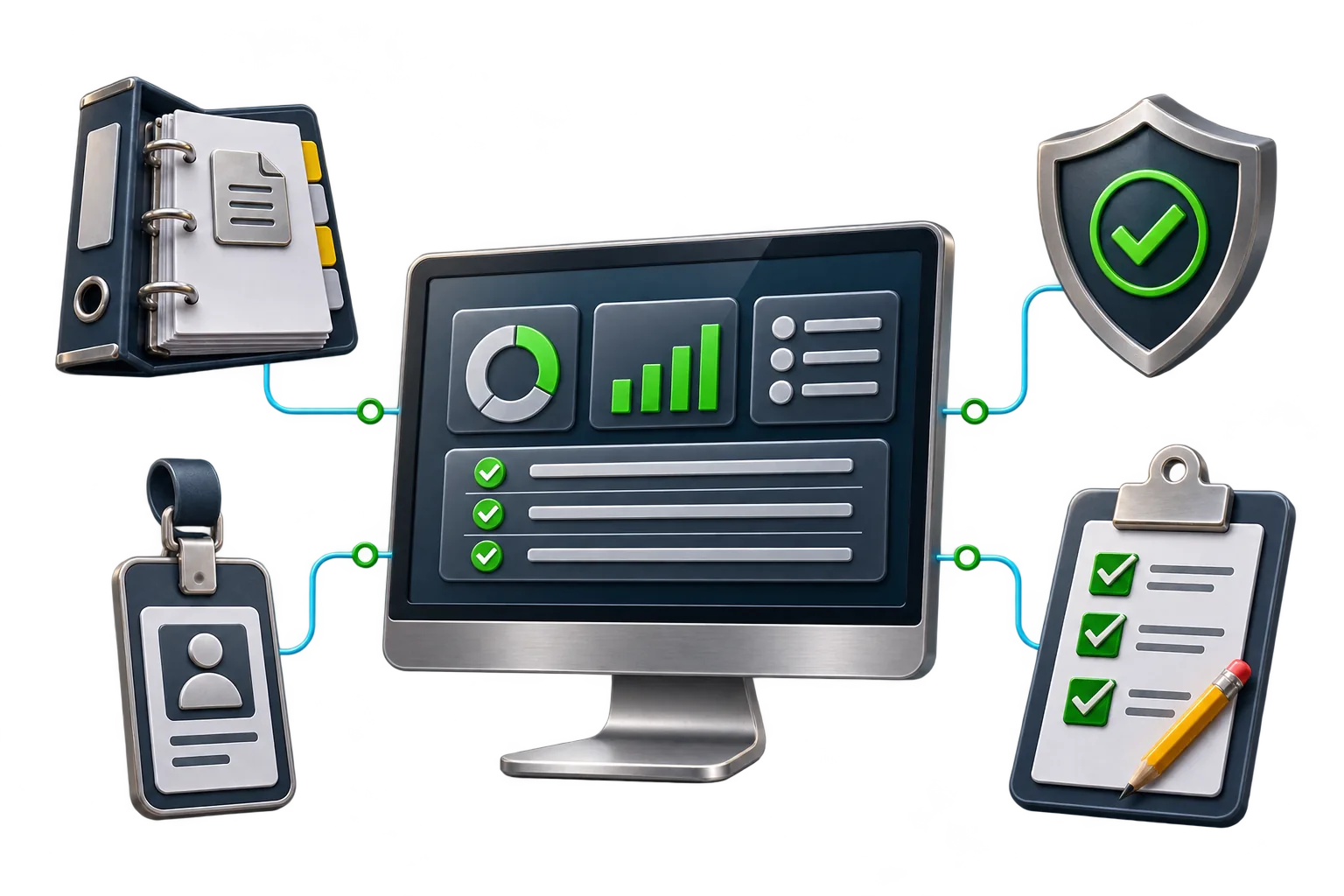
Assets can sit across countries, legal entities, regions, sites, customer premises, vehicles, projects and individual users. Zebsoft lets organisations model that hierarchy and give each responsible team a relevant view.
A central register can then show the global position while local owners complete the work and authorised managers review exceptions.
- Structure assets by organisation, country, region, site, department, room, project or operating unit
- Record permanent location, current location, assigned person and the evidence supporting movement
- Apply role-based access so teams see and maintain the records within their authority
- Use local due dates and responsibilities while giving management one consolidated view
- Filter by asset type, owner, location, status, risk, supplier or outstanding requirement
- Retain transfers and changes so the history follows the asset rather than remaining at the old site
Software can show the recorded location and custodian. The organisation remains responsible for physical verification, access control and reconciliation.
THE RECORD FOLLOWS THE ASSET
Control the Full Asset Lifecycle
Asset control begins before first use and continues through movement, change, repair and final disposal. Each stage should have an owner, decision, evidence and authorised status.
01
Create or receive
Register the asset, source, identifiers, ownership, specification, supplier and required acceptance evidence.
02
Approve or commission
Complete defined checks, documentation, calibration, training and authorised release before operational use.
03
Use and maintain
Assign responsibility, schedule work, record condition, control defects and retain operational evidence.
04
Move or modify
Assess location, configuration, ownership or use changes and update affected controls, documents and schedules.
05
Retire or dispose
Authorise withdrawal, recover assigned items, protect information, record disposal and preserve the required history.
DIFFERENT ACTIVITIES. ONE CONNECTED HISTORY.
Separate Maintenance, Inspection and Calibration
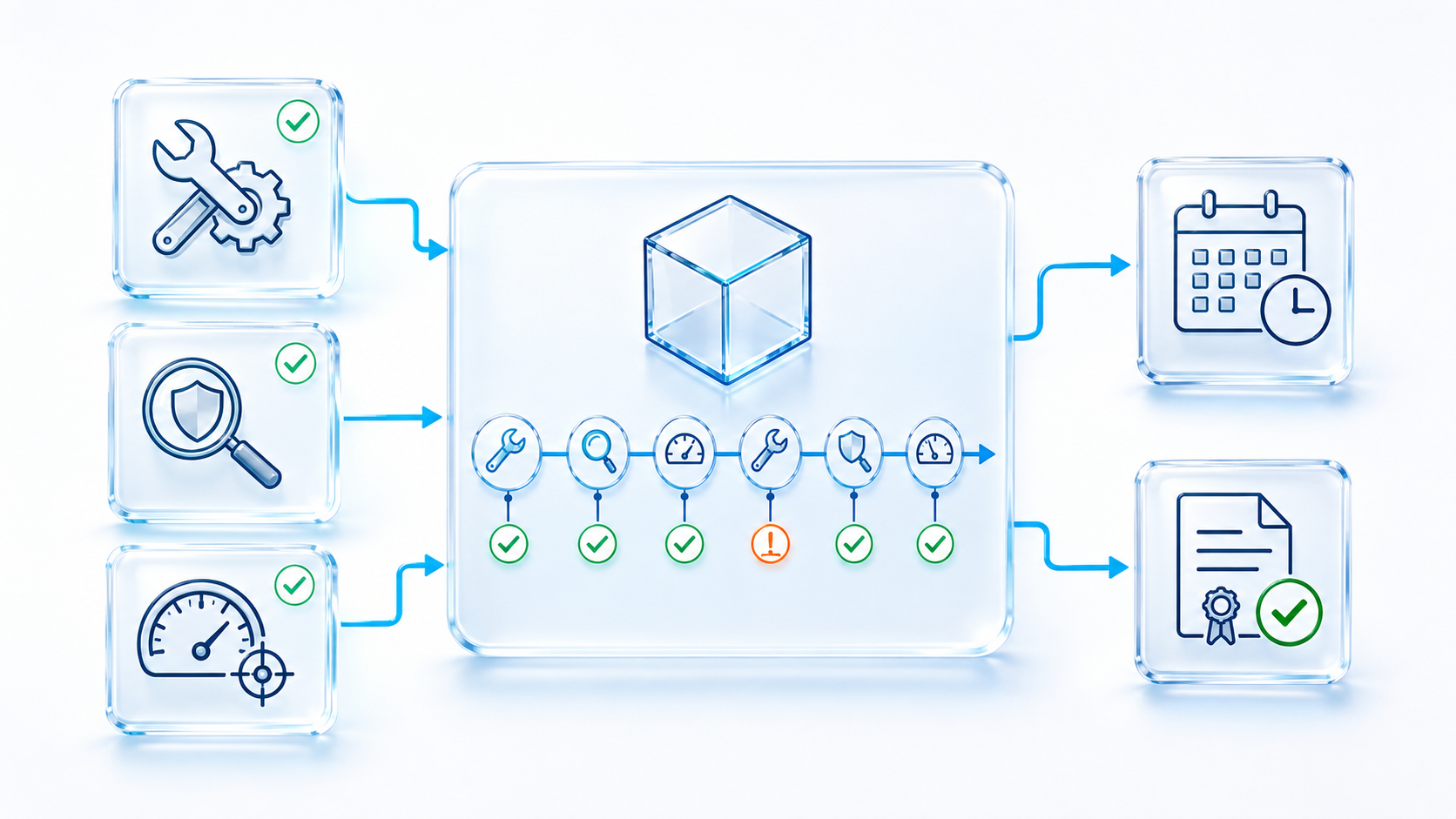
Maintenance preserves or restores condition. Inspection looks for deterioration or unsafe conditions. Calibration establishes the relationship between an instrument and reference values. They can share an asset record without being treated as interchangeable.
Competent people define what is required, how often, by whom and what evidence is acceptable. Zebsoft communicates those requirements and records the outcome.
- Create time, usage, event or condition-based schedules where the asset process supports them
- Assign the appropriate internal role, supplier, laboratory or independent examiner
- Issue checklists, procedures, specifications and previous relevant history with the task
- Capture readings, work performed, parts, observations, certificates, photographs and recommendations
- Raise failed or overdue work to the responsible person and restrict recorded status where authorised
- Record review, repair, reinspection and return-to-service decisions as linked events
Routine service does not necessarily replace a legally required thorough examination, and software does not determine the correct interval.
TAKE THE CONTROL TO THE ASSET
QR and Mobile Access at the Point of Work
A register is easier to maintain when authorised people can identify the correct asset and act while standing beside it. QR or barcode access can connect the physical item to the governed record and applicable work.
Identify
Open the intended asset record rather than searching by an informal description or entering data against the wrong item.
Understand
View the recorded status, location, current instruction, relevant history and outstanding requirements permitted for the user.
Complete
Perform an assigned check, maintenance task, calibration entry, issue, return, transfer or evidence upload from the location.
Escalate
Report a defect, incorrect location, missing label, changed condition or conflicting information to a responsible person.
A QR code identifies a record; it does not itself confirm identity, condition, ownership or safe use. Those conclusions depend on the configured process and human review.
DO NOT LET A DEFECT BECOME A DISCONNECTED EMAIL
From Failure Report to Controlled Return to Service
When an asset fails, deteriorates or produces an adverse result, the record should connect the operational report to restriction, investigation, repair and the authorised decision that follows.
01
Report
Identify the asset, condition, location, impact and available evidence from the point of discovery.
02
Control
Notify the responsible role and apply the recorded restriction, quarantine or stop-use status authorised by the process.
03
Assess
Examine failure, risk, related assets, previous events, cause, warranty and the work needed before reconsideration.
04
Repair and verify
Record work, parts, service evidence, tests, examination or calibration required to support a decision.
05
Authorise
A competent, authorised person accepts, rejects or conditions return to service and records the reason.
KEEP EVIDENCE IN THE ASSET CONTEXT
Documents, Certificates and Service History Together
The asset record can act as the route to controlled information and evidence without replacing the governance of those documents. Users see the relevant relationship; authorised owners control approval, version and retention.
Instructions and specifications
Link manuals, drawings, limits, data sheets, SOPs and approved methods to the asset type, model or individual record.
Certificates and reports
Hold inspection reports, calibration certificates, conformity information, test results and competent-person recommendations.
Commercial evidence
Connect purchase, lease, hire, service contract, warranty, supplier and insurance records where they affect ownership or control.
Operational evidence
Retain readings, checklists, defects, photographs, work performed, approvals, restrictions, movement and user acknowledgements.
Evidence is valuable when its source, asset, date, author, status and review are clear. Uploading a file alone does not establish that it is accurate, applicable or accepted.
CLEAR OWNERSHIP AT EVERY STAGE
Connect Assets to Responsible and Competent People
Asset control involves different responsibilities: business owner, custodian, operator, maintainer, inspector, calibration provider, reviewer and person authorised to change status. Those roles should be explicit rather than inferred from an inbox or spreadsheet.
Zebsoft can use role, competence and authority records when routing work, while the organisation determines who is suitable for the activity.
- Name the business owner and operational custodian for each asset or asset class
- Assign work by role, location, asset type, supplier, competence or specific authorisation
- Link training, qualifications, licences and assessments where they are requirements
- Make review and approval rights separate from the ability to enter or upload information
- Escalate unassigned, rejected, overdue or adverse work to a defined accountable role
- Retain delegation, reassignment, completion, review and decision history
A training record or certificate is not an automatic judgement of competence. Responsible people must consider knowledge, practical ability, experience and the task context.
A practical responsibility map
- Owner: defines need, value and risk
- Custodian: maintains local control
- User: follows instructions and reports condition
- Maintainer: completes authorised work
- Inspector or laboratory: provides defined evidence
- Reviewer: challenges the result
- Approver: decides status or release
CONNECT EXTERNAL WORK TO THE INTERNAL RECORD
Suppliers, Service Providers and Customer-Owned Assets
Assets often depend on external maintainers, laboratories, hire companies, manufacturers and customer requirements. The organisation needs a clear link between supplier approval, work performed and the asset decision.
Supplier scope
Record which asset types and activities a provider is approved to support, with relevant capability, insurance and accreditation evidence.
Work instruction
Issue the asset, scope, specification, history, access information, due date and evidence expected from the service.
Evidence review
Receive reports, certificates, parts, readings, recommendations and exceptions for an authorised person to review.
Asset decision
Link accepted work to the asset while retaining any restriction, follow-up, warranty or revised schedule decision.
Wider supplier qualification and communication can connect to Supplier Management and the Supplier Compliance Portal.
FROM REGISTER TOTALS TO ACTIONABLE CONTROL
See the Recorded Position Across the Estate
Dashboards can bring different asset classes into a consolidated view while letting managers drill back to the record, requirement and evidence behind each exception.
- Assets by class, region, site, owner, custodian, supplier and controlled status
- Unassigned, unlocated, missing, duplicated or incomplete records requiring reconciliation
- Maintenance, inspection, calibration, certification, warranty and licence work due or overdue
- Defects, restrictions, quarantine, repeat failures and return-to-service decisions
- Movement, issue, return, retirement, disposal and assets held by third parties
- Service cost, downtime, parts or value data where it is consistently recorded
- Supplier performance, rejected evidence and recurring service recommendations
- High-criticality exceptions and overdue actions requiring management attention
A dashboard represents the information entered and accepted through the configured process. It should not be presented as physical verification of the entire estate.
Responsible Use of AI
AI may help authorised users interrogate asset records, summarise controlled information, identify patterns, compare histories and surface possible anomalies for human review. It must not invent assets, readings, service work or certificates; decide that equipment is safe; set statutory intervals; certify calibration; approve return to service; or generate evidence on behalf of a responsible person.
INFORMED ASSET AND EQUIPMENT CONTROL
Official Guidance and Practical Questions
Requirements depend on the asset, jurisdiction, risk and use. This page is informative and is not legal, engineering or metrology advice.
Work-equipment inspection
HSE explains that inspection need and frequency should follow risk assessment, manufacturer information, industry advice and experience. View HSE guidance.
PUWER duties
HSE summarises duties for suitable work equipment, safe condition, inspection, information, training and protective measures. View PUWER overview.
LOLER examination
HSE distinguishes planned maintenance from competent-person thorough examination and explains reporting and record duties. View LOLER guidance.
Calibration traceability
UKAS explains how ISO/IEC 17025 accreditation supports accurate measurement and traceability across calibration activities. View UKAS guidance.
Can Zebsoft register assets that do not need maintenance?
Yes. A record may exist to control ownership, location, issue, access, documents, renewal, condition, relationship or disposal. Maintenance is only added where it is relevant.
Is this a CMMS, EAM or asset register?
Zebsoft combines configurable asset registers with workflow, evidence, maintenance and assurance controls. A demonstration should test your detailed planning, inventory, finance or engineering requirements rather than relying on a category label.
Can it support ISO 55001?
Asset records can support wider asset-management processes. The separate ISO 55001 asset-integrity page covers the management-system intent. ISO 55001:2024 is the current requirements edition.
Does the software decide inspection frequency?
No. Competent people establish requirements using applicable law, risk, manufacturer information, standards and operating experience. Zebsoft communicates and monitors the schedule they approve.
Can one asset belong to several structures?
Yes, where configured. An item can relate to a system, site, department, custodian, supplier, project, parent asset and risk without duplicating the master record.
Can records be accessed globally?
Zebsoft can provide controlled web-based access across distributed locations, subject to the organisation’s configuration, permissions, connectivity, privacy and information-security arrangements.
BRING ONE REAL ASSET CLASS
See How Universal Asset Control Fits Your Estate
Choose a practical example—a calibrated instrument across laboratories, issued equipment across mobile teams, lifting assets across sites, a fleet with recurring defects, IT devices across countries or a custom record that ordinary maintenance software cannot model. We can show how the register, workflow, evidence and management view could work together.