
EXTERNAL COLLABORATION PORTAL
Supplier Compliance and Collaboration Software
A Controlled Supplier Portal for Evidence, Requests and Review
Zebsoft supplier compliance software gives approved external users a controlled workspace for selected records, evidence requests and actions while internal teams retain review, approval and governance responsibility.
Replace fragmented email exchanges with a traceable route between the supplier and the people accountable for the decision.
THE PORTAL OPERATING RULE
Two Parties. One Controlled Exchange.
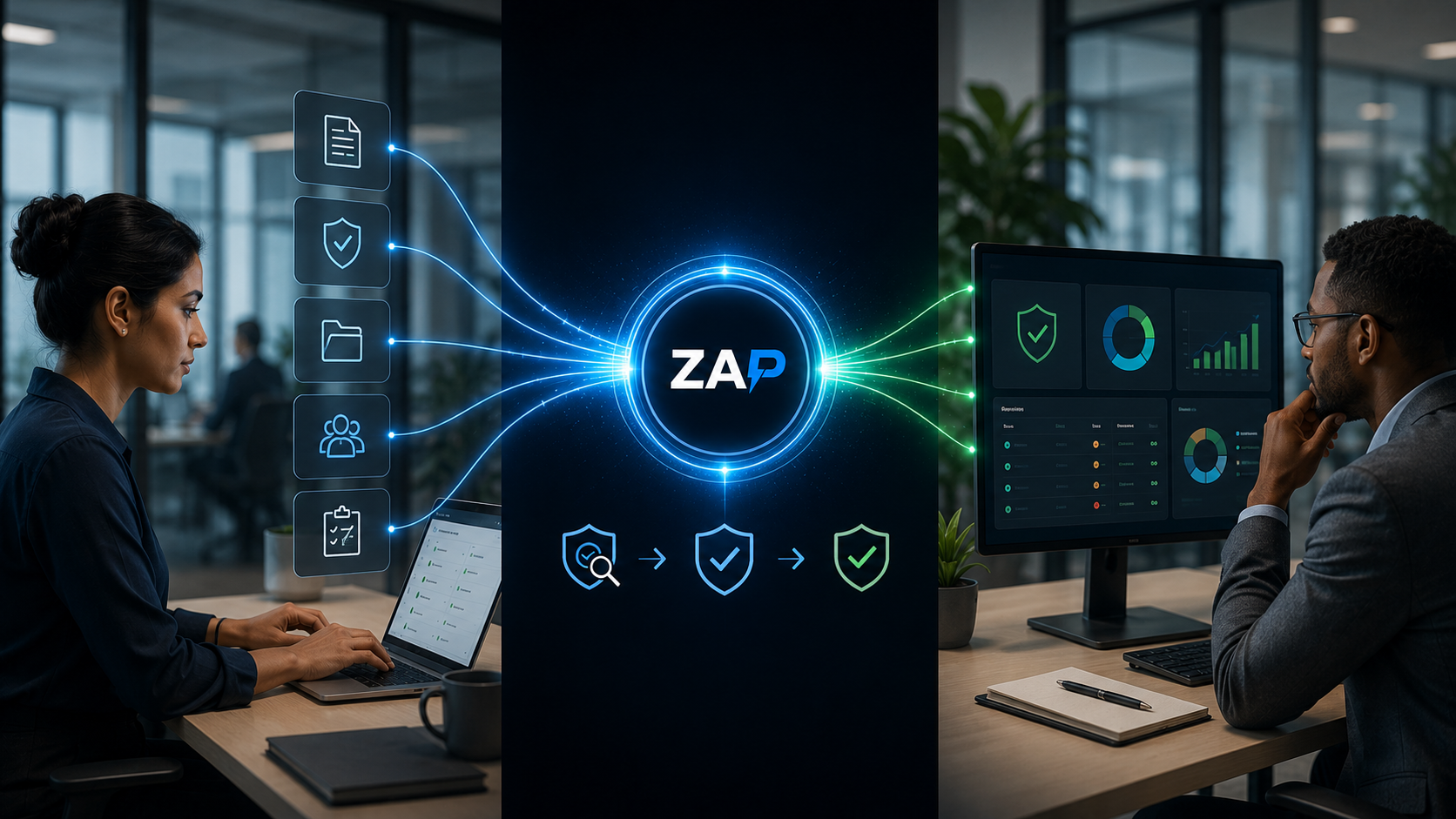
The portal page is designed around the exchange—not around a list of generic features. Suppliers can act within their workspace; internal teams define the request and retain the decision.
INTERNAL TEAM
Define and govern
CONTROLLED PORTAL
Connect the exchange
SUPPLIER USER
Respond and maintain
This separation makes the collaboration easier to understand and audit. The supplier is responsible for the response it provides; the internal reviewer is responsible for assessing that response; and the portal retains the exchange so future users can see what was requested, what was submitted and what decision followed.
THE EXCHANGE WORKFLOW
How Supplier Compliance Software Handles the Exchange
Each exchange has a clear beginning, accountable review and retained outcome. The portal does not automatically decide whether supplier evidence is acceptable.
01
Request
The internal owner assigns the required evidence, question or action.
02
Respond
The supplier completes the permitted activity and submits supporting information.
03
Review
An authorised internal user checks the response against the organisation’s requirement.
04
Resolve
The submission is accepted, returned for correction or connected to further action.
05
Retain
The response, decision and evidence remain connected to the supplier record.
This controlled exchange can be used for selected documents, questionnaires, audit responses, corrective actions or other supplier information agreed during configuration. Status labels, approval routes and notifications should reflect the real supplier-governance process.
PART OF THE SUPPLIER DOMAIN
The Portal Supports the Lifecycle—It Is Not the Whole Lifecycle
The supplier-management domain covers discovery through review. The portal is most valuable where information or action must cross the organisational boundary.
ONBOARD
Collect the initial response
Request the selected company information, evidence or questionnaires needed to support onboarding activity.
MONITOR
Maintain current evidence
Use configured dates, requests and notifications to support renewal, change or periodic review activity.
COLLABORATE
Resolve actions together
Give the supplier a controlled route to respond to findings, corrective actions and evidence requests.
THE SUPPLIER VIEW
Give Suppliers a Focused Workspace
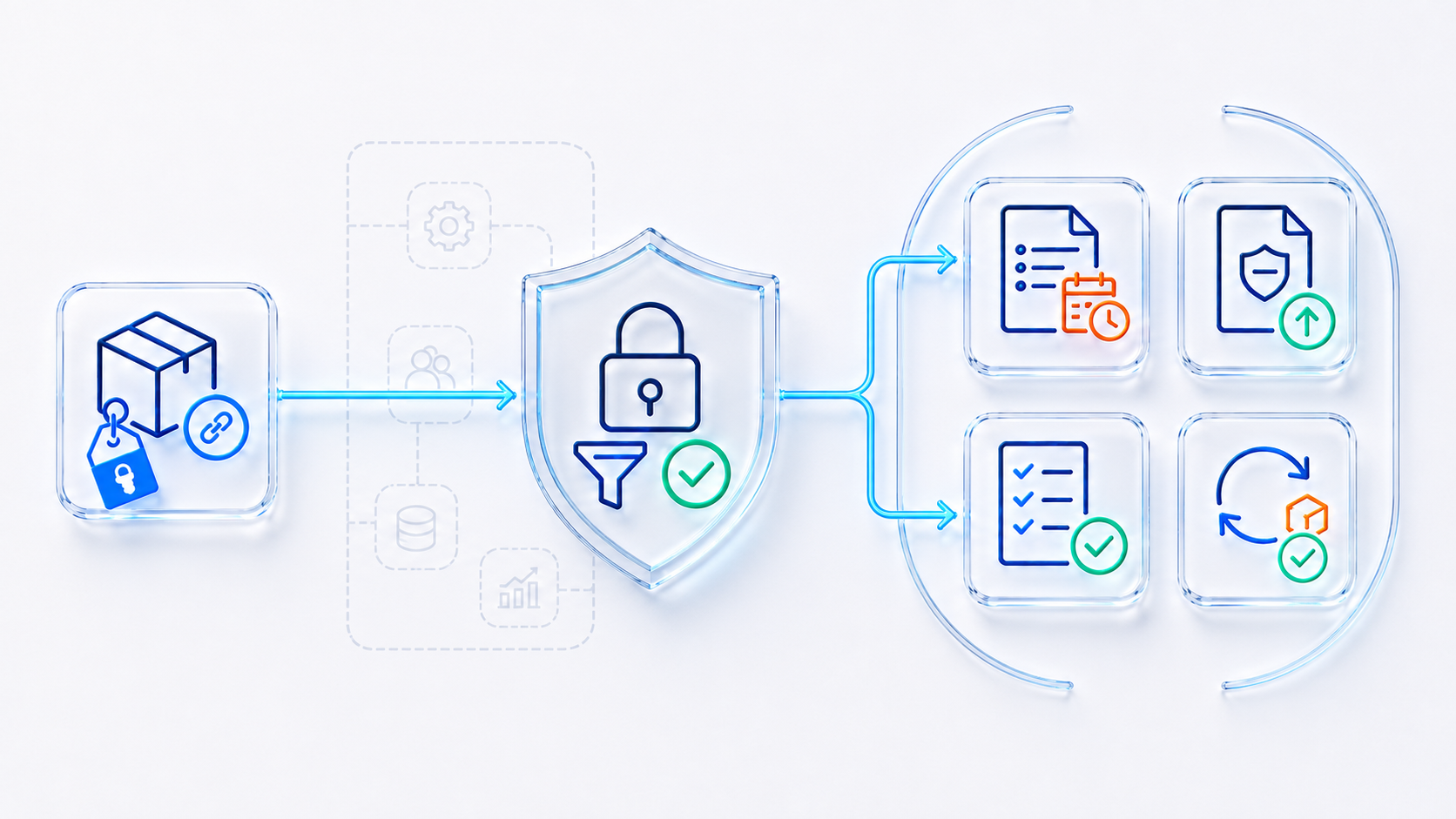
The external workspace should make the supplier’s responsibilities clear without exposing the wider internal management system. The supplier sees the records, requests and actions made available to that account.
Available functions and data depend on the purchased portal scope, configured permissions and the organisation’s supplier process.
THE INTERNAL VIEW
Maintain Review and Approval Control
Supplier compliance software should reduce collection effort without transferring the supplier decision to the external user or to an automated rule.
Configured rules can highlight an exception or approaching date. An authorised person remains accountable for deciding whether the evidence meets the organisation’s requirement.
CONTROLLED INFORMATION BOUNDARY
Self-Service Does Not Mean Unrestricted Access
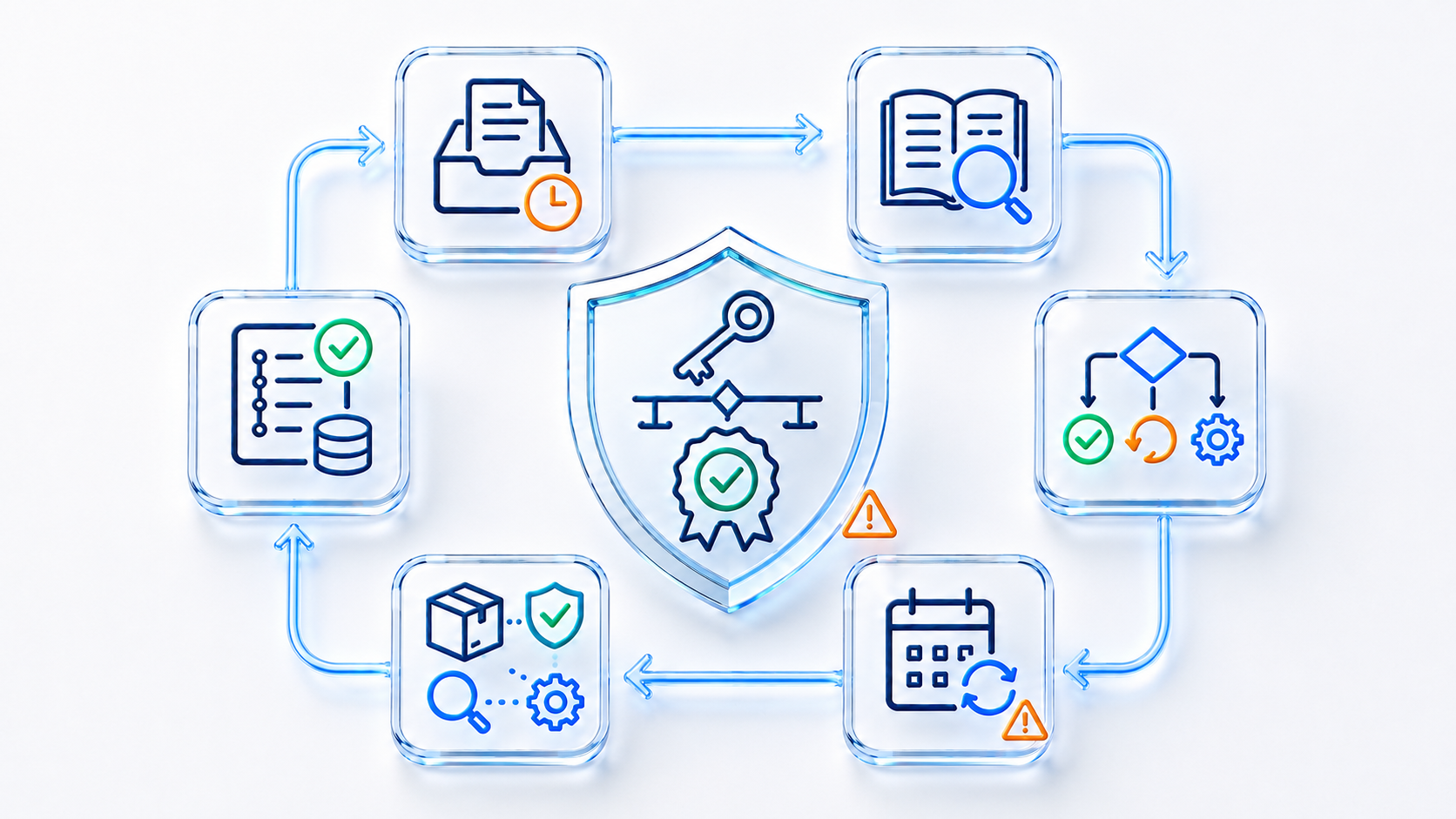
The portal separates permitted supplier activity from internal governance. The exact boundary is set through the agreed account, role, record and workflow configuration.
Supplier workspace
Internally controlled
WORK BY EXCEPTION
Turn Portal Activity Into Clear Follow-Up
The purpose is not to generate more messages. It is to show which exchange needs attention and what the responsible person should do next.
Missing
The requested information has not been submitted. Follow up through the configured request and notification route.
Awaiting review
The supplier has responded and an authorised internal reviewer must make the next decision.
Returned
The submission needs correction or more evidence. The reason and required response should be clear.
Approaching review
A configured expiry or review date is approaching and renewal activity should begin.
ACCOUNTABLE COLLABORATION
Give Every Participant a Defined Portal Role
Supplier user
Responds to the permitted requests and actions associated with their external workspace.
Relationship owner
Coordinates the required activity and understands how the response affects the supplier relationship.
Compliance reviewer
Examines the submitted information and records the appropriate approval or return decision.
Assurance manager
Reviews exceptions, workflow history and linked evidence during audit or supplier oversight.
CONNECTED, NOT ISOLATED
Connect Portal Responses to the Right Internal Process
A submitted document or action response has value when it reaches the person and process that need it. Use targeted connections rather than exposing the wider management system to external users.
Supplier lifecycle
Place portal activity within the wider discovery-to-review supplier relationship.
Approval and evaluation
Connect relevant evidence to the accountable supplier approval or re-evaluation decision.
Audit management
Allow selected findings or evidence requests to move through controlled supplier follow-up.
Document control
Keep internal supplier requirements and procedures controlled separately from external submissions.
Implementation confirms supplier account structure, permitted records, internal reviewers, approval routes, notifications, data migration and the portal licences required. Zebsoft provides a UK-based product and support team; customer data is hosted in AWS London and Zebsoft is an ISO 27001-certified organisation.
PORTAL QUESTIONS
Supplier Compliance Software FAQs
What is supplier compliance software?
It helps organisations request, review and maintain selected supplier information and evidence through a controlled workflow. A portal can allow external supplier users to respond directly while internal users retain governance responsibility.
Can suppliers see our internal management system?
Not through the intended portal arrangement. External users are limited to the accounts, records, requests and actions made available to their role. The precise permissions should be confirmed during configuration and testing.
Are supplier submissions accepted automatically?
No. The portal can collect the submission and configured rules can indicate missing information or dates, but internal review and approval remain part of the organisation’s governance process.
What can suppliers submit through the portal?
Depending on the agreed setup, suppliers may upload selected certificates or supporting documents, complete questionnaires, respond to actions and provide audit follow-up evidence.
Can the portal support expiry and renewal activity?
Dates and notification rules can be configured against selected records. The portal gives the supplier a route to submit renewed evidence and gives internal users a route to review it.
Can existing supplier data be migrated?
Existing supplier accounts, records and supporting files can be reviewed for migration or structured import. The source quality, target fields, required history and portal-user setup are agreed before transfer.