

PROCESS MANAGEMENT & ZAP WORKFLOWS
Process Management Software with Configurable ZAP Workflows
Define the process. Guide the checks. Retain the evidence.
Bring process ownership, instructions, related records and structured checks into one connected system. Zebsoft helps teams find the information they need and record how work was carried out.
Use process records to manage responsibilities and review dates. Configure ZAP Workflows when users need to work through specific questions, capture evidence and record a result.
Book a process and workflow demo
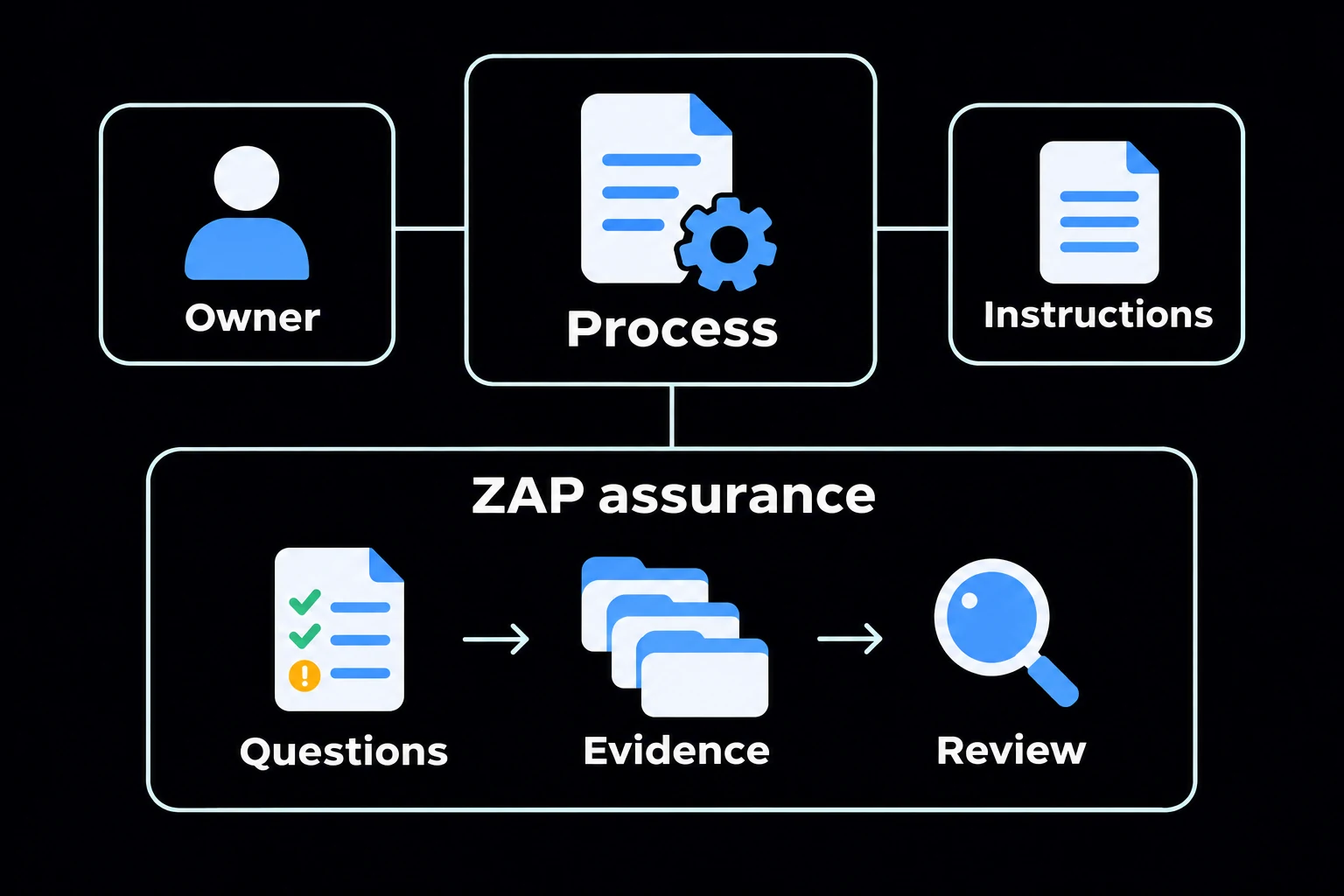
Define the process
Keep the owner, instructions and related controls together.
Guide the checks
Use a configured ZAP workflow to take users through the checks that apply.
Keep the result
Capture evidence and retain the result for review.
PROCESS OWNERSHIP
Give Each Process a Clear Owner and Review Point
Maintain a process record with its owner, business area, version, classification, effective date and review date. Identify applicable sites and the relationship to a parent process.
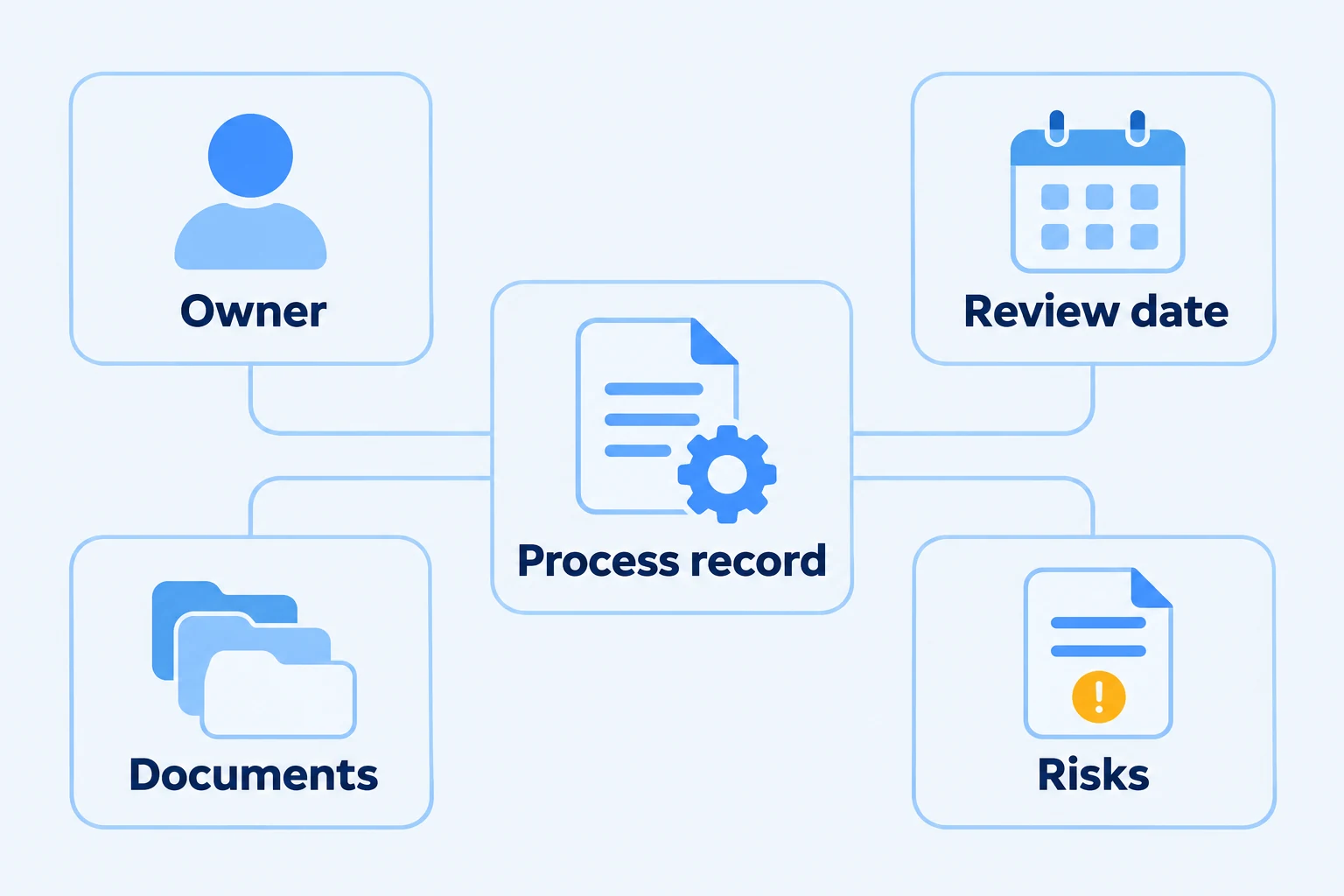
See approved and unapproved status, and identify processes due for review from the register. Open the record to review its approval information and associated details.
Connect the Process to Its Instructions and Controls
Process records provide access to linked process documents, external documents, checklist audits, job roles, risks, compliance records, assets and suppliers. Environmental aspects, data protection and information assets can also be associated with the process.
Keep related information accessible from the process, so the responsible person can understand the instructions, resources and controls that support the work. Use document control to manage supporting documents and auditing to examine the recorded process.
CONFIGURABLE CHECKS
Build ZAP Workflows Around the Work Your Business Performs
Organise a workflow into sections and define the questions required at each stage. Choose text fields, yes/no answers, dropdowns, checkbox groups, numbers, dates, confirmations, file uploads, media, ratings and scales.
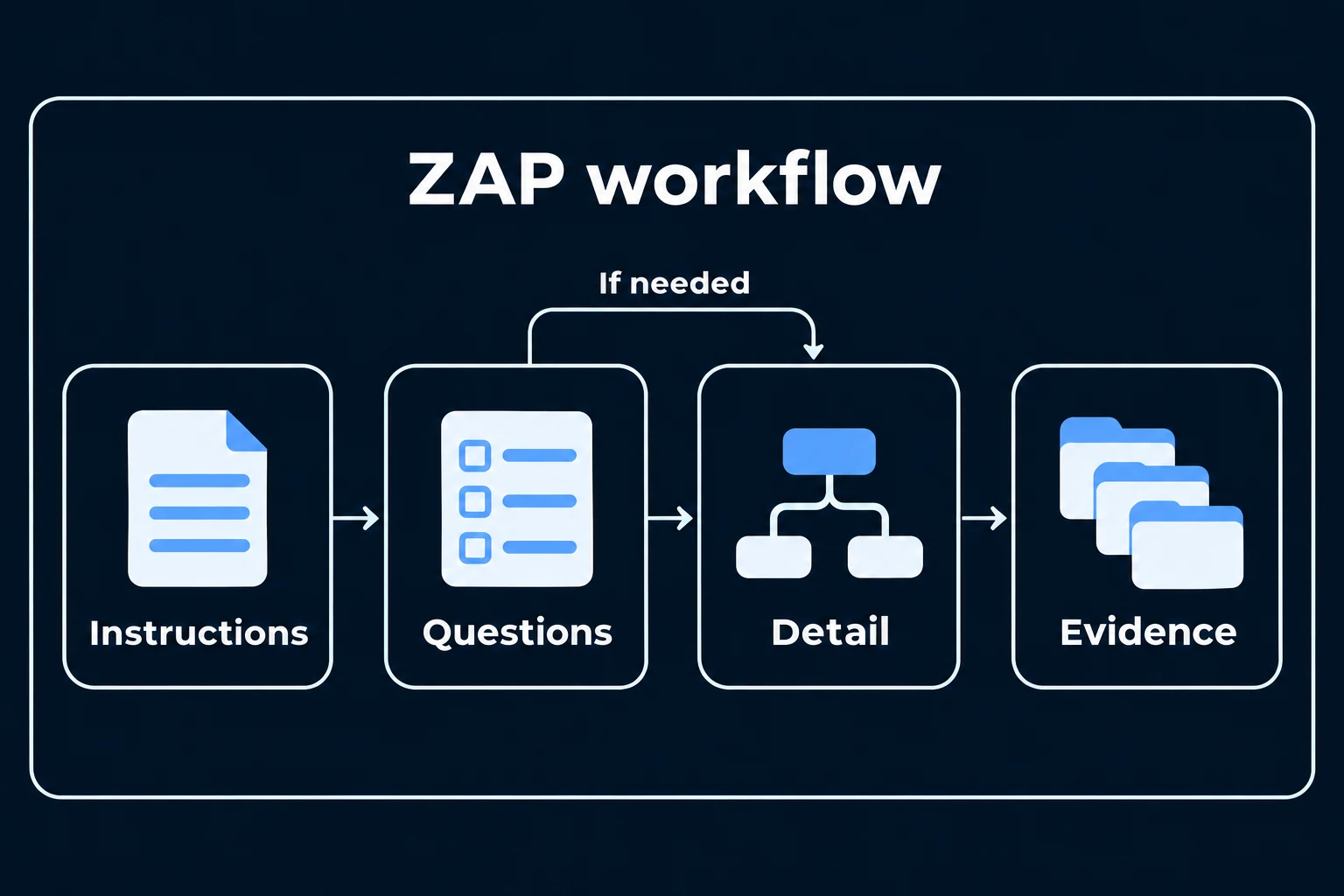
Add instructions and supporting information alongside the questions. Configure comments, files and links where users need to explain their answer or provide evidence.
Examples present in the demo include customer onboarding, permit-to-work information, policy checks and operational readiness checks. The questions and stages are configured for the organisation’s process.
Ask for the Detail That Matches the Answer
Configure questions to show or hide based on answers elsewhere in the workflow. For example, ask for an explanation when an earlier answer identifies outstanding work.
Use required questions where information must be supplied, and distinguish data-capture fields from scored checks. This helps keep the process relevant while retaining the information needed for review.
PROCESS-BASED TRAINING
Use Processes, Documents and Videos to Support Training
Use process viewing and appended documents to support training in how work should be performed. Give users the process information and supporting material they need in the context of the activity.
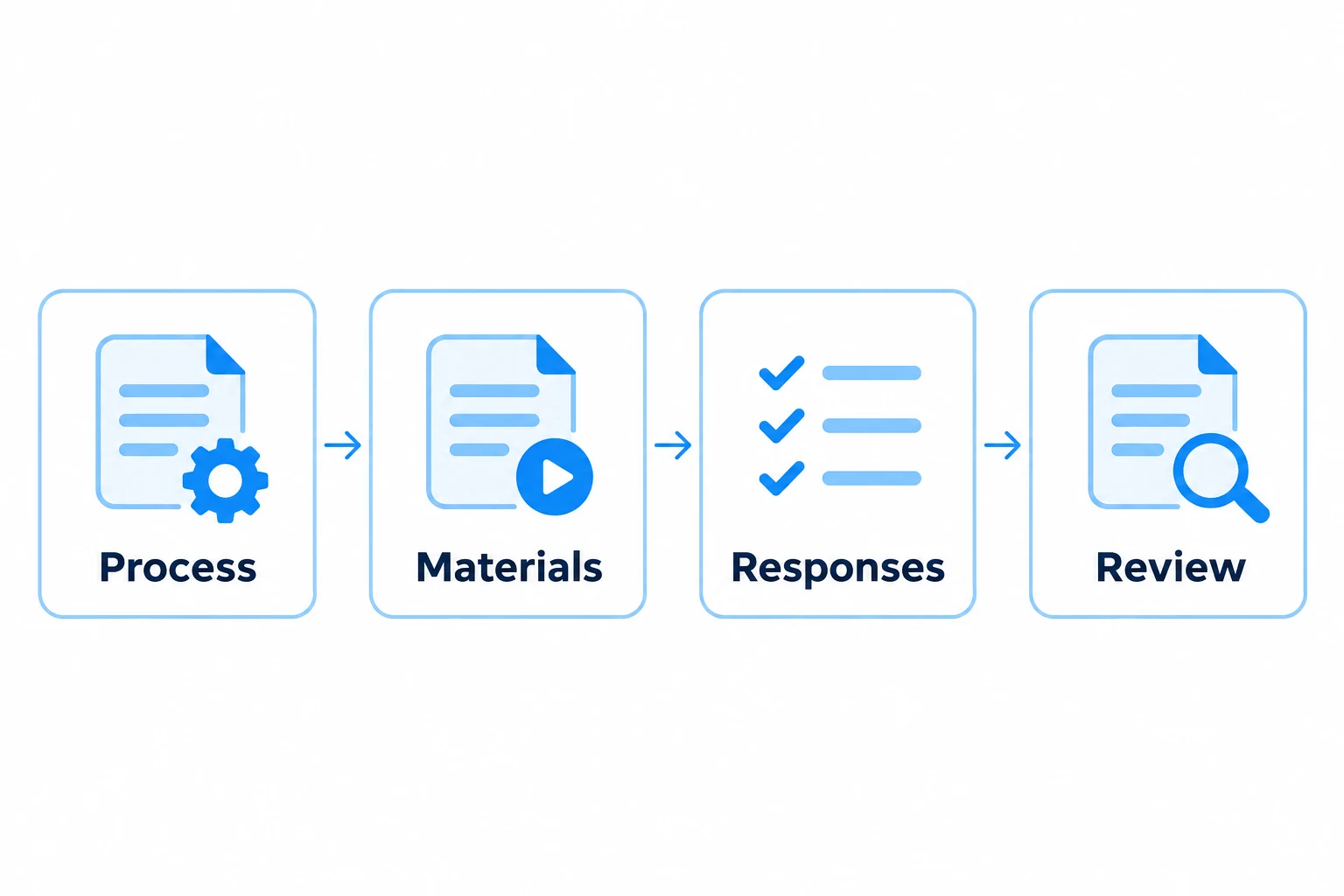
For more granular training, configure a ZAP Workflow with appended documents and videos, staged instructions, questions, evidence and confirmations. Guide the user through the material and record the responses required by your organisation.
This allows training to reflect the specific process, rather than treating access to a document as the whole training activity. Connect this approach with employee compliance and competency management when reviewing the wider workforce requirements.
RESULTS AND COMPLETION
Define the Scoring and Completion Rules
Set pass and warning thresholds for scored workflows. Choose how unanswered questions are handled: require all answers, score unanswered questions as failures, or exclude them.
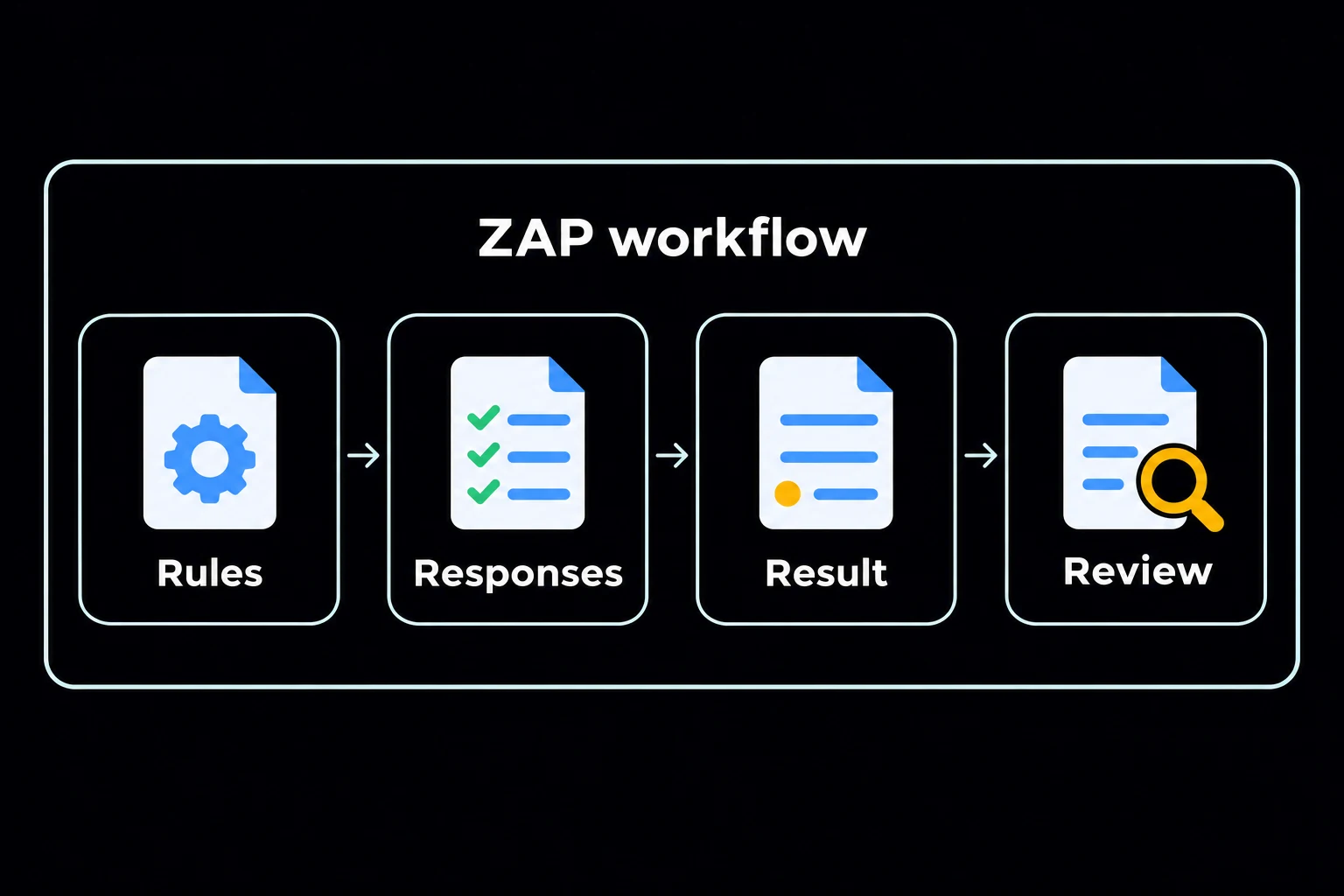
The builder also supports failure warnings, question timing and confirmation questions. Define the rules to suit the activity and make clear what the resulting score or confirmation means.
Users can work through a step-based view or a list view where the template allows it. A required-question workflow can remain in progress until its questions are answered.
Apply Workflows to the Relevant Record and Locations
Templates support a target record, a named template owner and site availability. Published status and version information are visible in the workflow library.
Where configured, barcode-enabled text questions let users scan or enter a reference. This can help identify the record or location being checked.
Use configured workflows alongside task management where work needs an owner and deadline, and incident management where an issue needs investigation and corrective action.
PROCESS HISTORY
Retain the Process Record and Supporting History
Add process log entries and review the linked logs alongside the process details. Download a process record as a PDF when needed.
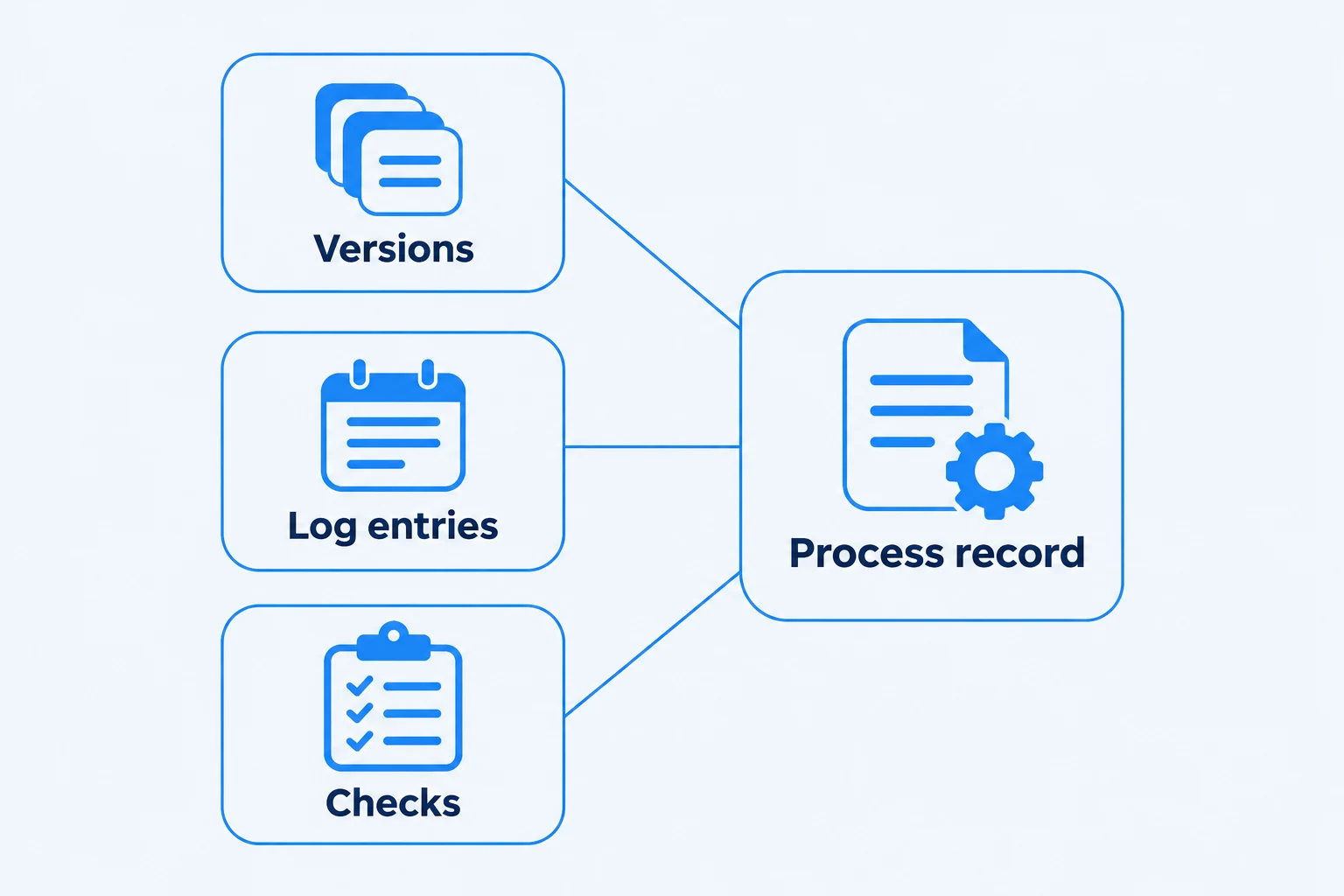
Use the record, associated documents and completed checks to support review of how the process is defined and operated.
START WITH ONE PROCESS
Choose a Process Where Consistency Will Bring an Immediate Benefit
Begin with a check, onboarding activity or recurring process where missing information and inconsistent steps cause extra work. Agree the instructions, questions, evidence and people responsible for reviewing the result.
Test the workflow with the people who will use it, then expand it as the team becomes familiar with the system. See getting started with Zebsoft.