
ONE COMMUNICABLE SYSTEM. EVERY WORKER. EVERY LOCATION. 

Health and Safety Management Software

Communicate, Operate and Assure Work Beyond the Office

Zebsoft health and safety management software turns the management system into a live communication and control route for remote, mobile, home, lone, site-based and contractor workforces.

ZAP sends the current instruction, task, check or change to the people and locations it affects; gives workers a route to report from the point of work; and returns completion, exceptions and evidence to responsible management. The organisation and its competent people remain responsible for every safety decision. 
  • Deliver the applicable control to the worker, task, site and version
  • Confirm receipt, understanding, competence and authority where required
  • Capture hazards, incidents, checks and evidence from the point of work
  • Return exceptions to management for action, escalation and verification
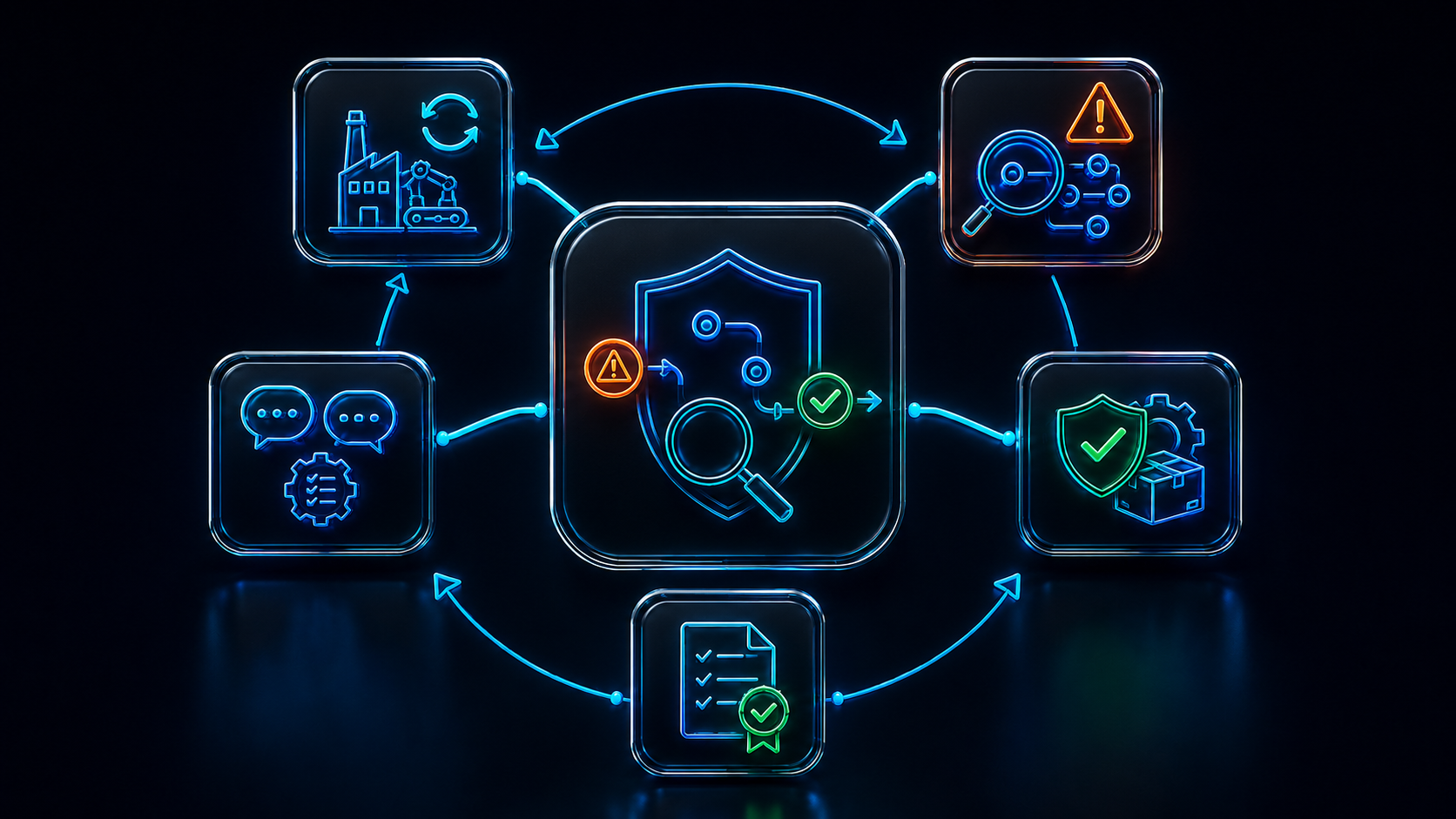
Communicable health and safety management system connecting management with remote and mobile workers

AN OPERATIONAL COMMUNICATION AND CONTROL PAGE 

A Management System That Travels with the Work

This page is about making the management system communicable: taking approved arrangements beyond head office and connecting responsible management with the people completing work across homes, vehicles, customer sites, remote locations and distributed teams. Organisations seeking the clause-led standards view can visit the separate ISO 45001 Health and Safety Management Software page. 


Send the right control

Target the current method, briefing, risk control or change to the affected role, task, site, team or individual. 


Receive operational evidence

Let remote workers acknowledge, inspect, report, attach evidence, request help and record exceptions from the point of work. 


Close the management loop

Escalate late, failed or adverse responses to responsible people and verify that the required action changed the work. 

A sent message is not a completed control. Management needs evidence that the right information reached the right person and that exceptions returned to someone able to act. 

MANAGEMENT, NOT A DOCUMENT REPOSITORY 

Plan, Do, Check and Act Across a Distributed Workforce

HSE guidance treats health and safety as part of good management. For distributed work, each stage needs a communication route between management and the point of work—not a separate set of head-office records. 


Plan

Define risks, controls, roles, audiences, communication needs, supervision and the evidence expected from each location or activity. 


Do

Issue current information and work, enable point-of-work reporting, provide access to help and coordinate remote supervision. 


Check

Monitor acknowledgements, completion, adverse answers, contact failures, inspections, incidents and the quality of operational evidence. 


Act

Escalate exceptions, verify corrective action, update the control and re-communicate change to every affected person and location. 

THE COMMUNICABLE MANAGEMENT-SYSTEM ROUTE 

Define, Communicate, Operate and Assure

A policy or risk assessment matters only when its controls reach the affected worker in usable form, the worker can respond, and the resulting evidence returns to management. 


Define

Describe the control, affected roles and locations, required competence, delivery method, response, evidence and escalation route. 


Communicate

Deliver the current information or task in an accessible form and give the worker a clear route to question or report conflict. 


Operate

Let the authorised person complete the work, confirm local conditions, record checks and raise exceptions from where the work occurs. 


Assure

Return the response to management, verify material evidence and escalate absence, delay or mismatch before closing the loop. 

ONE COMMUNICATION AND CONTROL ENVIRONMENT 

Core Distributed-Workforce Capability

ZAP links management intent to remote execution and brings operational evidence back into one governed record. 


Audience and context

Target communications and controls by person, role, team, competence, task, customer site, asset, location or risk. 


Controlled information

Issue the approved version of policies, procedures, RAMS, briefings, alerts and change notices with a visible effective date. 


Acknowledgement and challenge

Record receipt or understanding where appropriate while allowing workers to question, reject or report unsuitable conditions. 


Remote tasks and checks

Send inspections, start-work confirmations, equipment checks, permits, actions and other required work to authorised users. 


Point-of-work reporting

Capture hazards, incidents, near misses, photographs, observations, defects and requests for help from the operating location. 


Keep-in-touch and escalation

Define contact or check-in requirements and raise absence, adverse responses or overdue safety-critical work to a responsible person. 


Competence and authority

Confirm the worker has the required training, assessment, qualification or permission before assigning restricted activity. 


Management visibility

Show delivery, responses, exceptions, unresolved actions, contact failures and recurring issues across the distributed operation. 

CONTEXTUAL CONTROL AT THE POINT OF WORK 

Send More Than a Generic Risk Assessment

A centrally approved assessment can be undermined by different access, weather, equipment, occupancy, client activity or local conditions. Remote workers need to know which control applies and how to respond when reality does not match the plan.

ZAP can connect the assessment to a task-specific pre-work communication and return the local response to management. 

  • Target the applicable risk assessment, RAMS or instruction to the affected work and authorised person
  • Show hazards, required controls, equipment, contacts, limits and stop-work or escalation conditions
  • Ask the worker to confirm relevant local conditions rather than merely tick that a document was read
  • Allow photographs, notes, changed conditions and safety concerns to be raised before work proceeds
  • Route material exceptions to a supervisor or competent role for a human decision
  • Retain the instruction issued, version, time, response, decision and resulting action as one control trail

An acknowledgement does not transfer responsibility or prove that a control is suitable. It confirms one step in a wider managed process. 

Remote worker receiving current safety controls and returning local condition evidence

A REPORTING ROUTE THAT DOES NOT DEPEND ON THE OFFICE 

Point-of-Work Incident and Near-Miss Communication

Remote workers need a clear route to seek help, report an event and provide early information. Management needs prompt visibility without expecting the worker to make legal or investigative conclusions. 

01 

Raise and respond

Give the worker clear emergency and contact routes; capture the event without delaying immediate protection, care or emergency response. 

02 

Locate and triage

Record work activity and location, route by severity and event type, notify authorised roles and preserve available evidence. 

03 

Investigate

Use competent investigators, involve workers where appropriate, examine immediate and underlying causes and agree proportionate actions. 

04 

Verify and share

Confirm completion and effectiveness, update related controls and communicate relevant learning while protecting personal information. 

ZAP can alert responsible managers and hold RIDDOR decision fields, notification dates and reference evidence. It does not decide reportability or submit on behalf of an unidentified duty holder. 
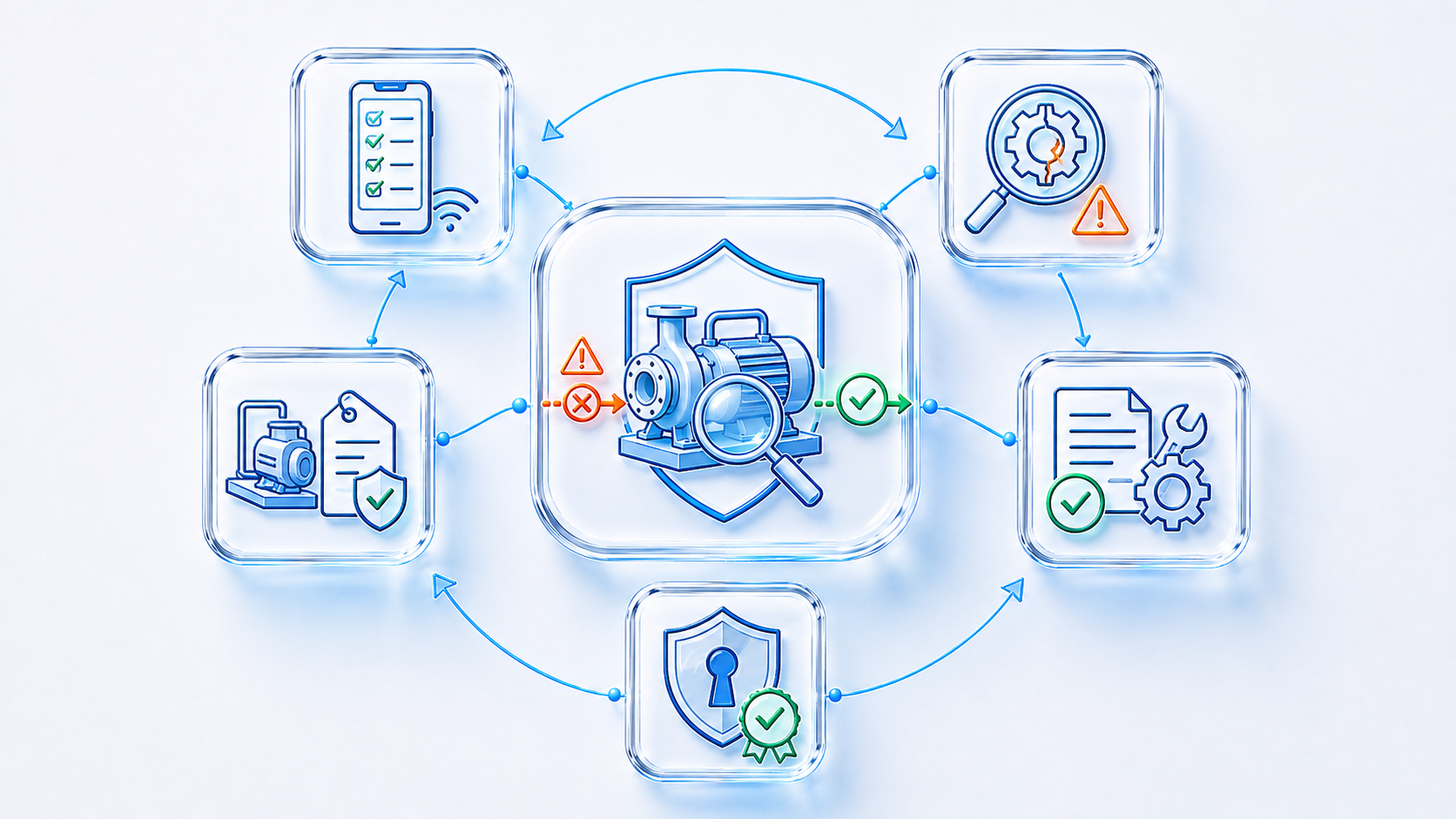
Remote worker equipment check defect report and management response in ZAP

EQUIPMENT STATUS AT THE POINT OF USE 

Remote Checks, Defects and Return-to-Service Control

A central equipment register helps only if workers can identify the asset, see the status that matters and report a defect before or during use. The appropriate inspection and competence still depend on equipment, use, risk, legal requirements and relevant instructions.

ZAP can connect the assigned asset to mobile checks and return adverse findings to management while the organisation decides whether equipment may remain in service. 

  • Give the remote worker access to the correct asset, current status and applicable pre-use instruction
  • Issue risk-based checks, statutory examinations, maintenance or calibration tasks to authorised roles
  • Capture results, photographs, defects, restrictions and location from the point of use
  • Escalate a failed safety-critical check without depending on a later spreadsheet update
  • Record repair evidence and require an authorised return-to-service decision
  • Review inspection or contact arrangements when use, deterioration, location or exceptional events change

A green status must represent a completed and accepted control, not merely the absence of an overdue system task. 

COMPETENCE MUST BE VISIBLE BEFORE REMOTE ASSIGNMENT 

Connect People, Authority and Safety-Critical Work

Remote supervision increases the importance of clear limits and escalation. HSE notes that lone workers may need additional training and should know when they need advice. Zebsoft can make competence and authority visible without converting a certificate into automatic competence. 


Role and task limits

Define the knowledge, practical ability, licence, medical fitness, supervision and authorisation required for remote activity. 


Learning and understanding

Assign induction or training, confirm relevant understanding and provide accessible instructions and routes to obtain advice. 


Assessment and assignment

Record the competent person’s assessment and prevent restricted work being assigned where the required authority is absent or expired. 


Supervision and escalation

Set contact, observation or review requirements proportionate to risk, experience and the worker’s ability to handle uncertainty. 

COMMUNICATE ACROSS EMPLOYER AND SITE BOUNDARIES 

Contractors, Customer Sites and High-Risk Work

Remote work at another organisation’s premises requires agreed information about local hazards, control measures and responsibilities. Uploading RAMS is not the same as confirming that the contractor and site understand the working interface. 


Prequalification

Collect the competence, experience, insurances, certifications, equipment and safety information defined for the work. 


Site information exchange

Issue relevant client hazards and controls to the remote worker and return Zebsoft’s work information to the controlling site. 


Permit and handover

Record prerequisites, isolations, authorisation, validity, change, suspension, handover and close-out for the controlled activity. 


Monitoring and review

Capture check-ins, inspections, observations, incidents, actions and evidence that inform current supervision and future approval. 

Supplier and contractor information can be connected to the Supplier Management and Supplier Compliance Portal domains where wider assurance is required. 

<p style=”color:#FF8C00;font-weight:700;letter-spacing:1.5px;margin:0 auto 12px auto;”>CHANGE MUST REACH EVERY AFFECTED WORKER</p>

A Closed-Loop Change Communication Route

<p style=”max-width:950px;margin:0 auto 36px auto;”>New equipment, chemicals, layouts, contractors, customer conditions, shifts or work methods can invalidate previous instructions. ZAP can identify the affected audience, withdraw superseded information and route revised control before or during assignment.</p>

01 

Identify

Define the change, affected work, roles, locations, current assignments and information versions. 

02 

Assess

Review hazards, exposure, interfaces, competence, legal requirements and emergency implications. 

03 

Consult

Involve workers, supervisors, customers and competent specialists before finalising the response. 

04 

Communicate

Approve and target revised documents, equipment, training, permits, briefings and supervision. 

05 

Verify

Track receipt, local questions and changed practice; address exceptions and confirm effectiveness. 

REMOTE COMMUNICATION MUST REMAIN TWO-WAY 

Reach Workers—and Let Workers Reach Management

A remote worker may see a changed condition, unavailable control, client conflict or emerging hazard that head office cannot see. A communicable management system must do more than broadcast: it must let the worker question the instruction and obtain a timely response.

Zebsoft can support direct and representative consultation routes, retain the conversation and show whether feedback resulted in action. 

  • Report hazards, near misses, unsafe conditions and workable improvement ideas from any authorised location
  • Include remote and mobile workers in risk assessments, investigations, inspections and change reviews
  • Provide information that reflects language, literacy, accessibility, connectivity and local conditions
  • Record management responses and communicate reasons where a suggestion is not adopted
  • Protect appropriate confidentiality while ensuring serious concerns reach authorised people
  • Track actions and return feedback so a remote concern does not disappear into an inbox

The employer remains responsible for selecting and operating the consultation arrangements required for its workforce. 

What good consultation changes

The practical test is whether worker knowledge can influence: 

  • How hazards are understood
  • Which controls are practicable
  • How work changes are introduced
  • What information and training people need
  • How events and recurring concerns are investigated
  • Whether improvements are working at the point of work

REMOTE WORK IS NOT ONE RISK PROFILE 

Match Communication and Supervision to the Work

Home, hybrid, lone, mobile, field-service and customer-site work create different hazards and communication needs. The risk assessment should decide what information, contact, supervision, monitoring and emergency arrangements are proportionate. 


Home and hybrid work

Cover the home-working risk assessment, DSE, working environment, workload, stress, emergency contacts and accessible keep-in-touch arrangements. 


Lone work

Define work limits, competence, supervision, contact intervals, alarm or assistance routes and the response if contact or return is missed. 


Mobile and field service

Connect journey, customer-site, task, equipment, fatigue, location and changing-condition controls to each assignment and worker.  


Contractor and shared sites

Exchange relevant risk information, clarify control and emergency responsibilities and retain evidence of handover and coordination. 

Technology is one part of the arrangement. Contact processes and emergency procedures should be understood, accessible and tested; a device alone does not prevent harm. 

MANAGEMENT VISIBILITY WITHOUT REMOTE BLIND SPOTS 

Know What Reached the Workforce—and What Came Back

<p>Management needs more than incident totals. It needs to know whether controls were delivered, understood, completed and challenged across the distributed operation.</p>

  • Safety-critical communications issued, received, outstanding or superseded
  • Remote checks, contact requirements and assignments completed or missed
  • Worker concerns, local exceptions and quality of management response
  • Competence, authorisation and supervision requirements for assigned work
  • Equipment defects, restrictions and overdue examination or maintenance
  • Customer-site, contractor, permit and change-control exceptions
  • Recurring findings, repeated events and overdue effectiveness checks
  • Significant risks, management decisions and improvement actions across sites and teams

<p>Dashboards should show the recorded position and its limits. A message receipt or single score must not be presented as proof that work is safe.</p>
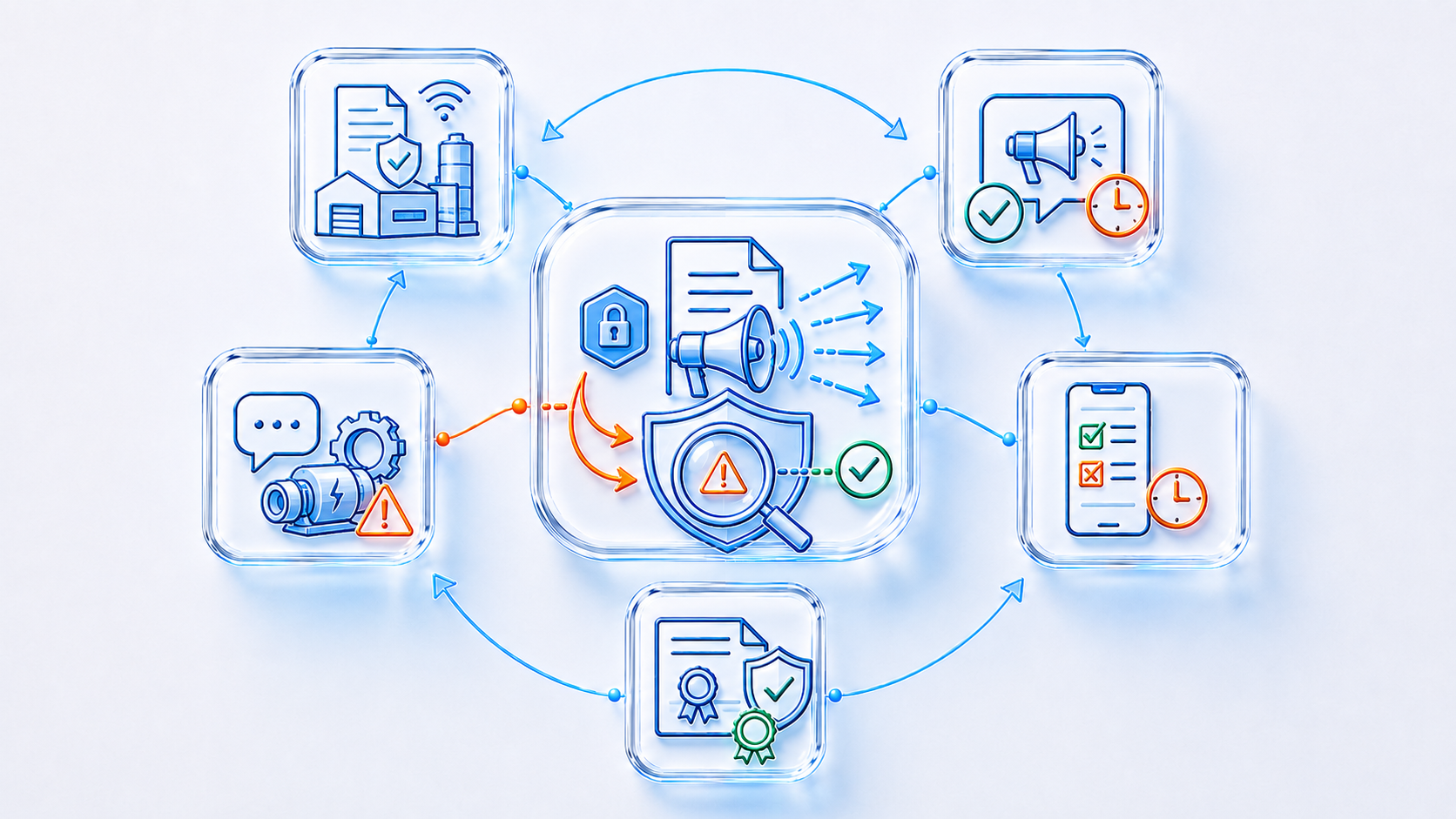
Remote workforce health and safety dashboard showing communication completion exceptions and assurance

Responsible Use of AI

AI may help authorised users interrogate records, identify patterns, summarise controlled information and surface discrepancies for review. It must not decide whether a control is sufficient, determine RIDDOR reportability, assign blame, invent an investigation conclusion, approve action closure or generate false evidence. Competent people make and own those decisions. 

INFORMED REMOTE-WORKFORCE CONTROL 

Official Guidance and Practical Questions

Communication, supervision and monitoring should be proportionate to the real work and risk. This page is informative and is not legal advice. 


Managing for health and safety

HSE HSG65 explains the Plan, Do, Check, Act approach for leaders, owners and line managers. View HSE guidance. 


Lone-worker contact and monitoring

HSE guidance covers proportionate training, supervision, contact, monitoring and tested emergency arrangements. View lone-working guidance. 


Home and hybrid workers

HSE confirms that employers have the same health and safety responsibilities for home workers and should consider how they will keep in touch. View home-working guidance. 


Safety communication

HSE explains that workers need current information about responsibilities, safe work and changes, with routes to raise concerns. View communication guidance. 


Supervision

HSE guidance says supervision should be adequate and appropriate and should help confirm that workers understand risks and controls. View supervision guidance. 


Comprehensible information

HSE notes that safety information must be understandable and may require translation, visual methods or other support. View language guidance. 

What makes the management system communicable?

The control has a defined audience, current version, usable delivery method, required response and escalation route. Workers can obtain the information and return questions, exceptions and evidence from where work occurs. 

Can this support ISO 45001?

Yes. The operational records can support an ISO 45001 management system. The dedicated ISO 45001 page explains that structure separately. 

Does an acknowledgement prove understanding?

No. It is one item of evidence. The organisation should choose proportionate confirmation, training, assessment, supervision and observation for the risk and worker. 

Can remote workers report from the point of work?

ZAP workflows can be configured for hazards, incidents, local-condition checks, inspections, contact and actions. Accessibility, connectivity, offline contingency and escalation should be designed around the real workforce and risk. 

BRING ONE REAL REMOTE-WORK ROUTE 

See How the Management System Reaches the Point of Work

Choose a live example—a mobile engineer receiving revised RAMS, a lone-worker contact failure, a remote equipment defect, a customer-site conflict or an overdue safety-critical briefing. We can show how the control, communication, worker response, escalation and management evidence could be connected.